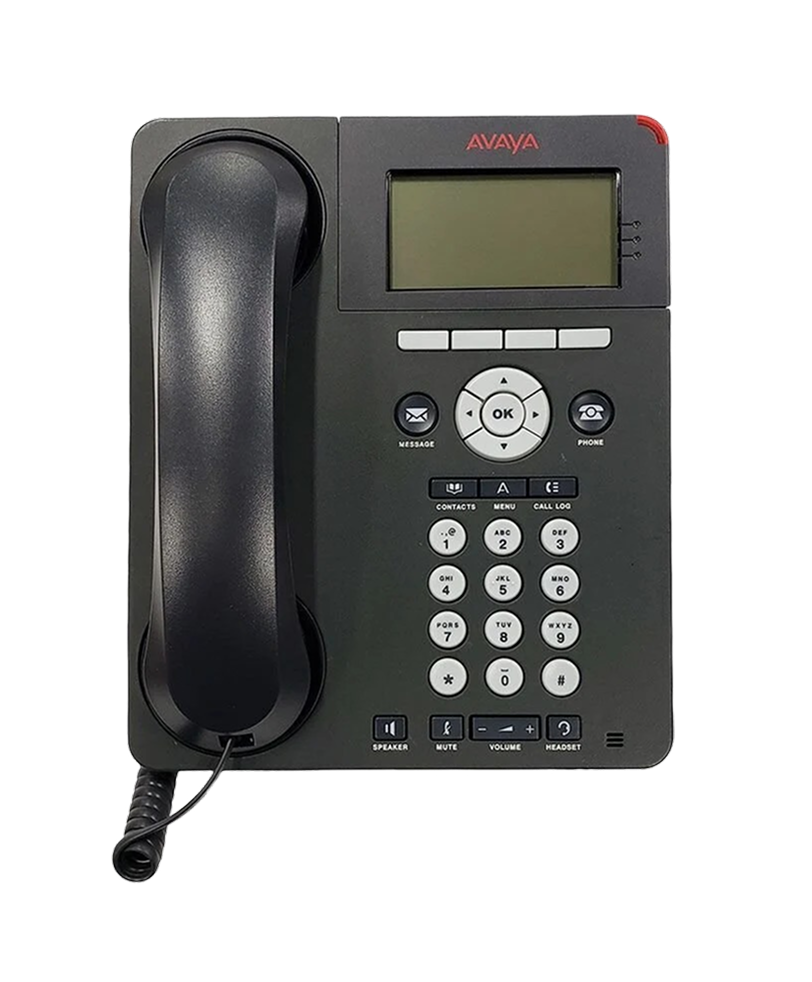
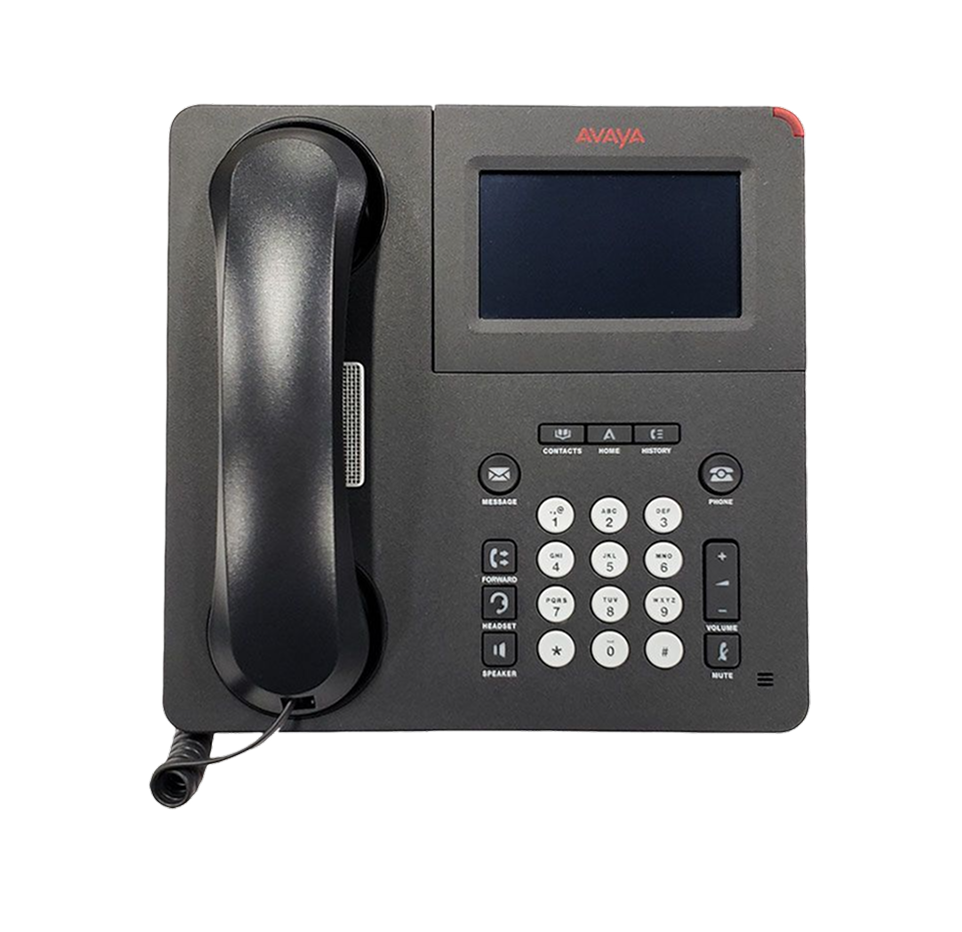
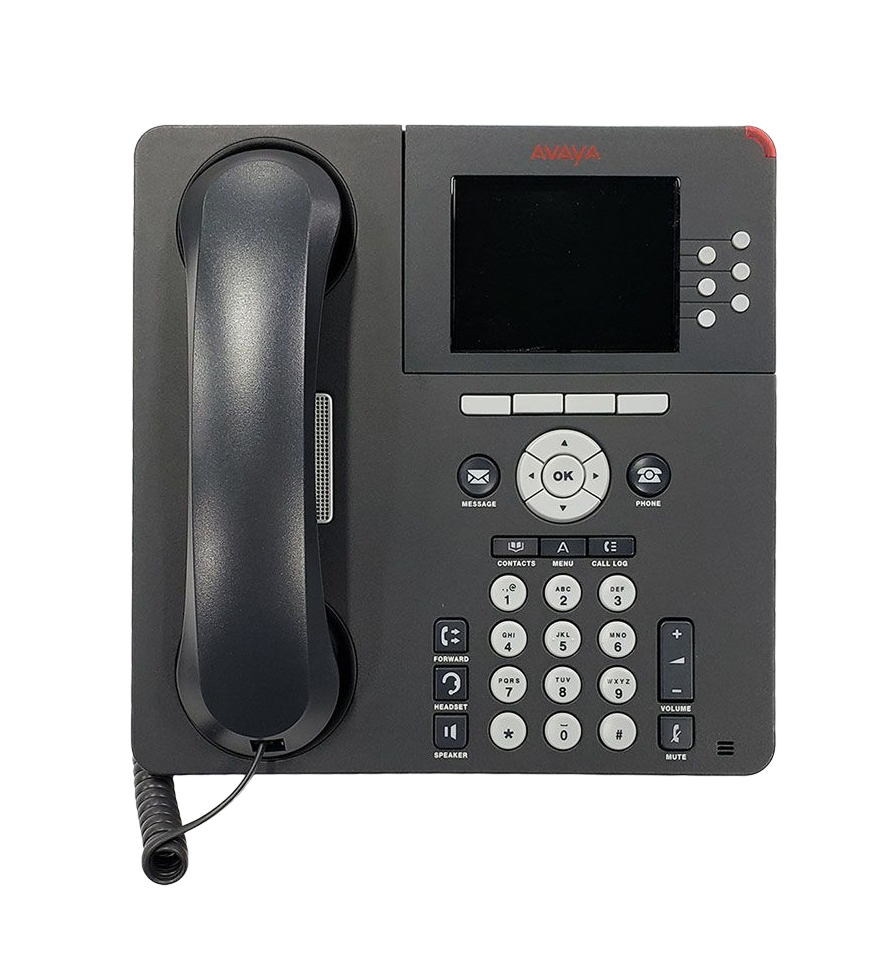
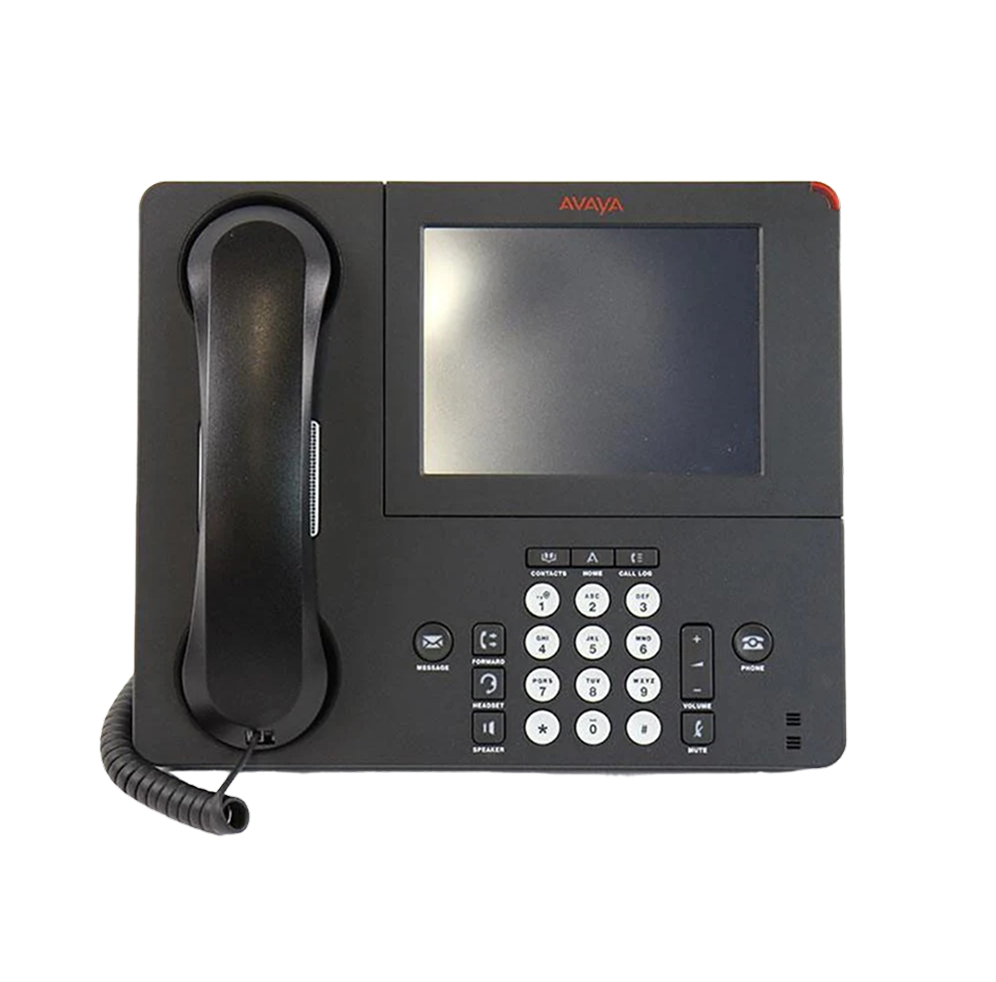
E-MetroTel migration options for businesses using Avaya phone systems

Avaya Phone System Migration

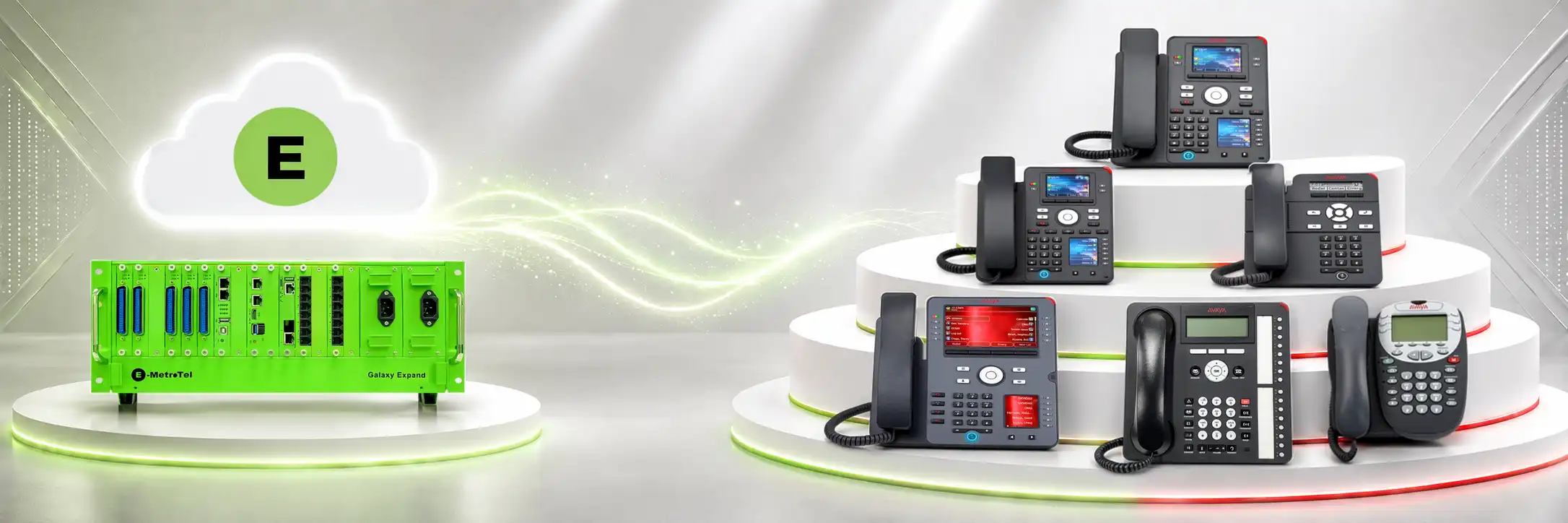
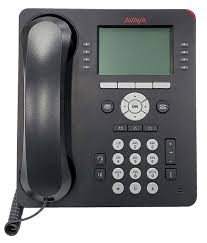
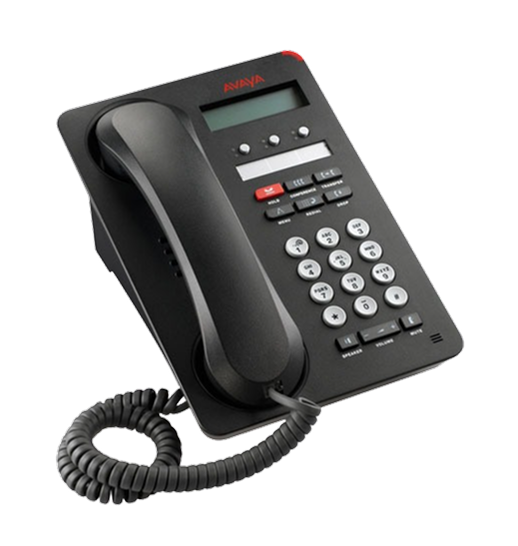
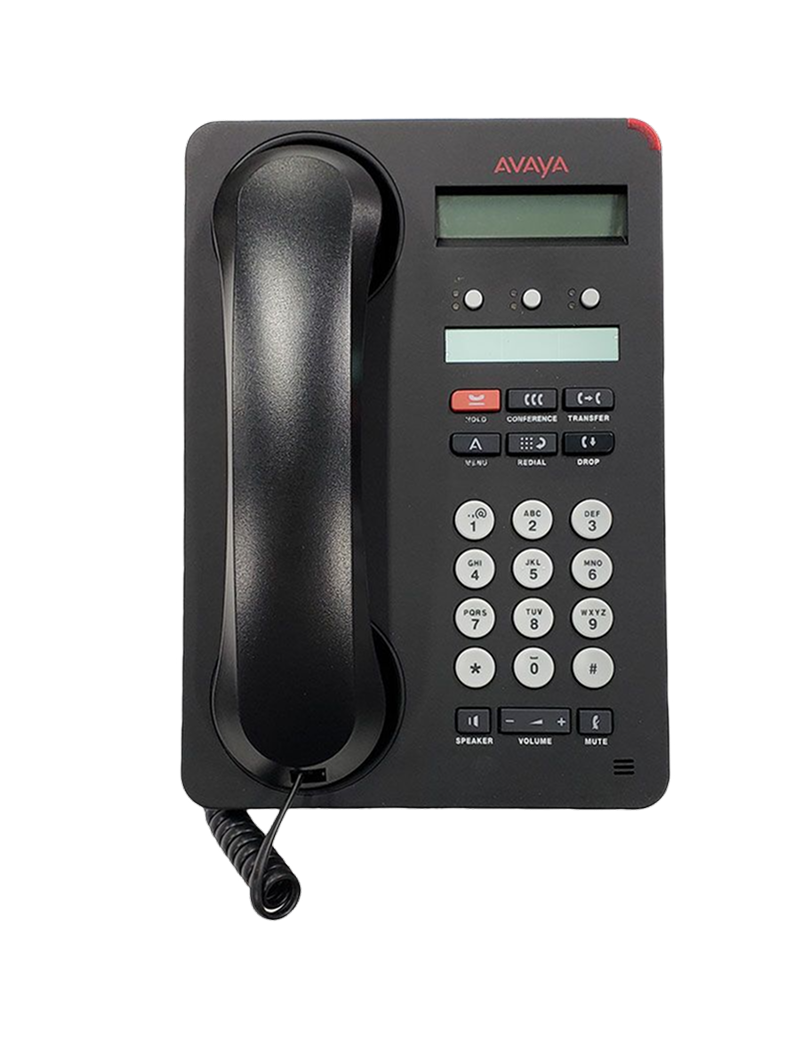
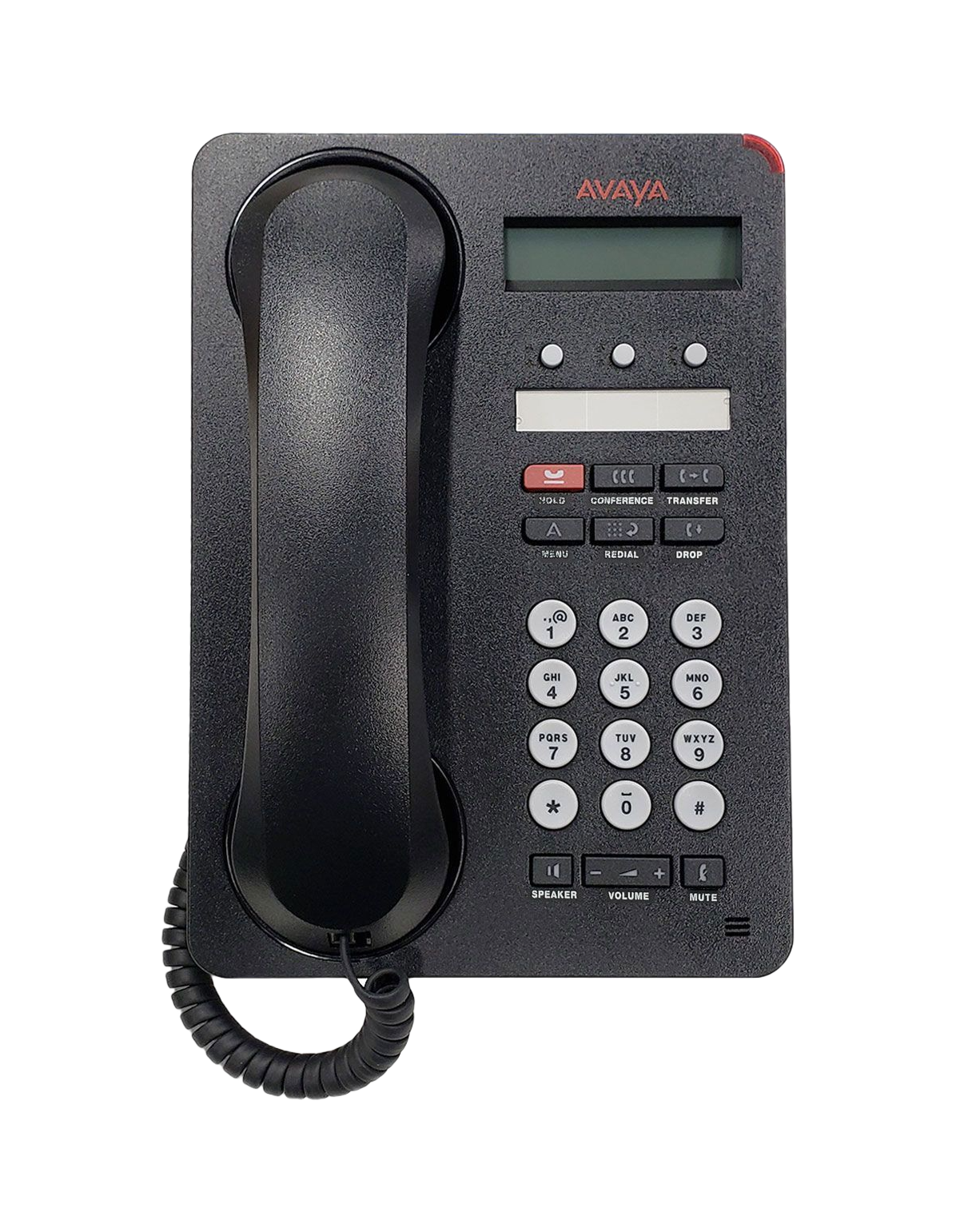
If you already use Avaya phones and want a simpler way to move forward, E‑MetroTel can help you keep compatible Avaya phones while giving you faster support, easier system management, reliable connectivity, and access to advanced communication phones & features such as softphones, mobile and desktop apps, unified communications, and AI capabilities.

  • Keep Familiar Devices in Service
  • Reduce Disruption and Migration Cost
  • Clear Path to Modern Communication

Why Get Support for Your Avaya Phones?

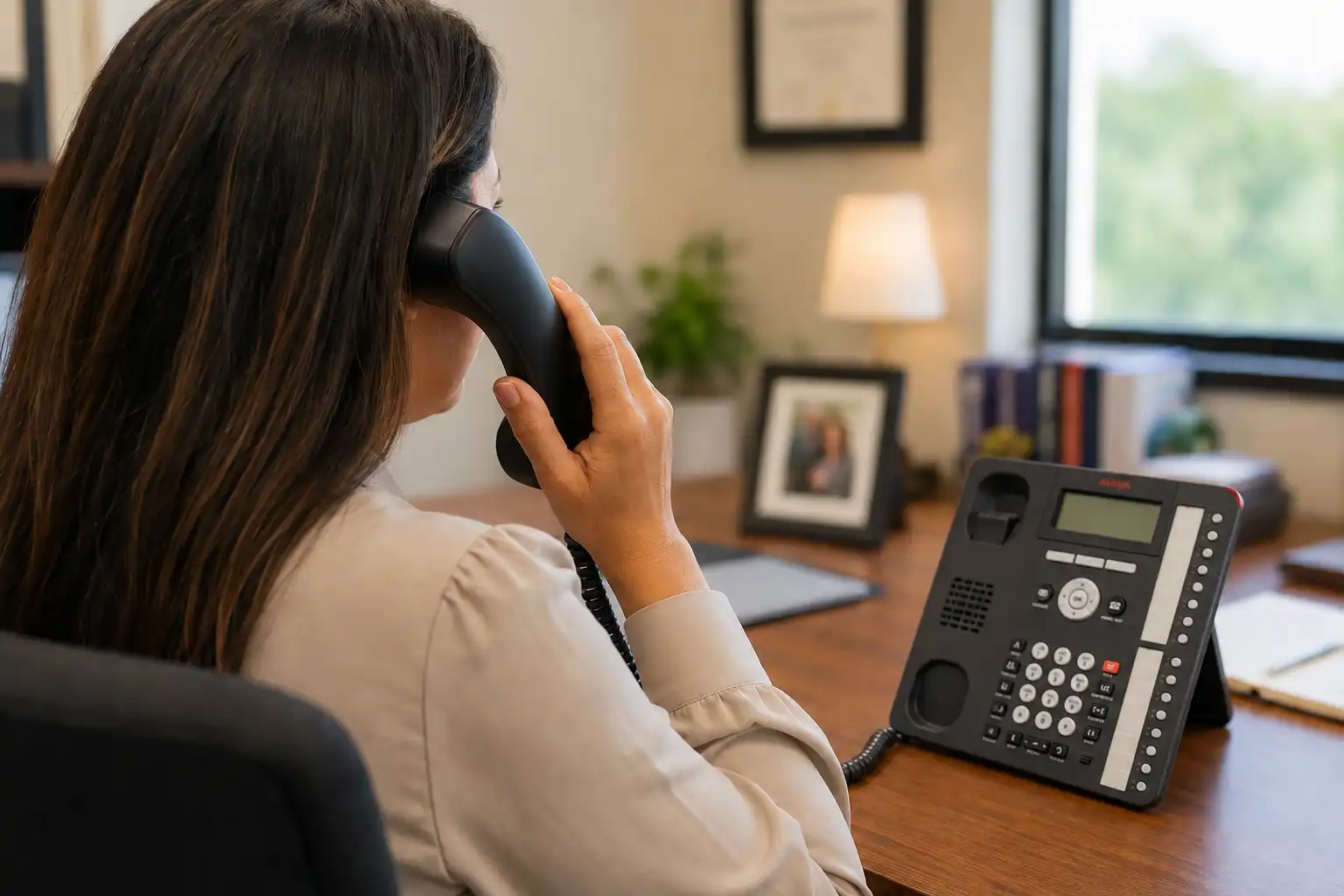
If managing your Avaya phone system is taking more time than you want, if updates or system changes are becoming difficult, if support is not meeting your expectations, or if you are looking for more predictable costs and modern communication features, you may be considering another path.

E‑MetroTel gives you an option to explore while continuing to use compatible Avaya phones and existing infrastructure where supported.

If these are important to your business, you can explore:

  • Keep Compatible Avaya Phones
  • Simpler Day-to-Day Management
  • Responsive Support and Update Options
  • Modern Unified Communications Features

If your communication needs are changing, you can explore a different path without automatically replacing phones and infrastructure that may still work with your new setup.

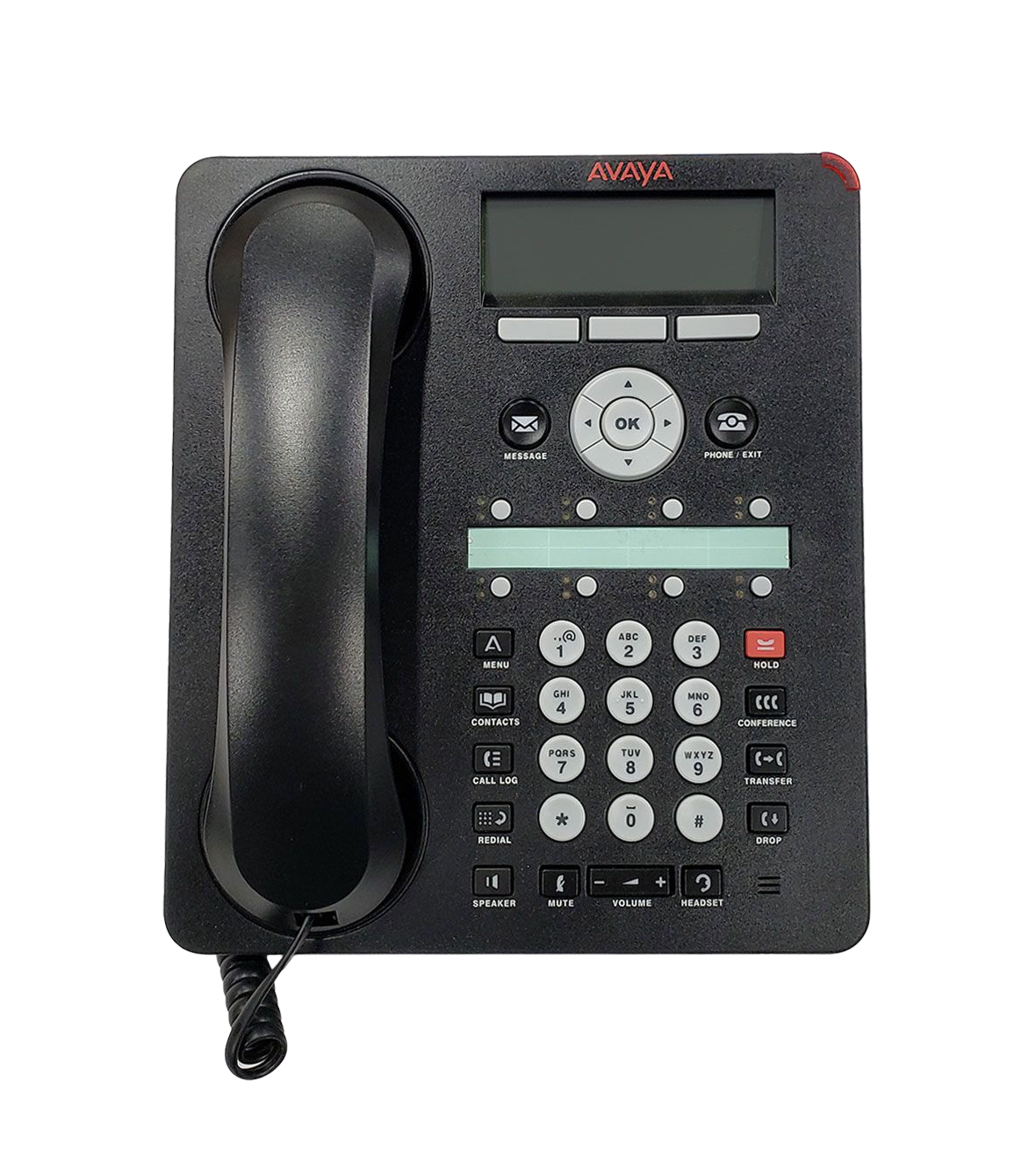
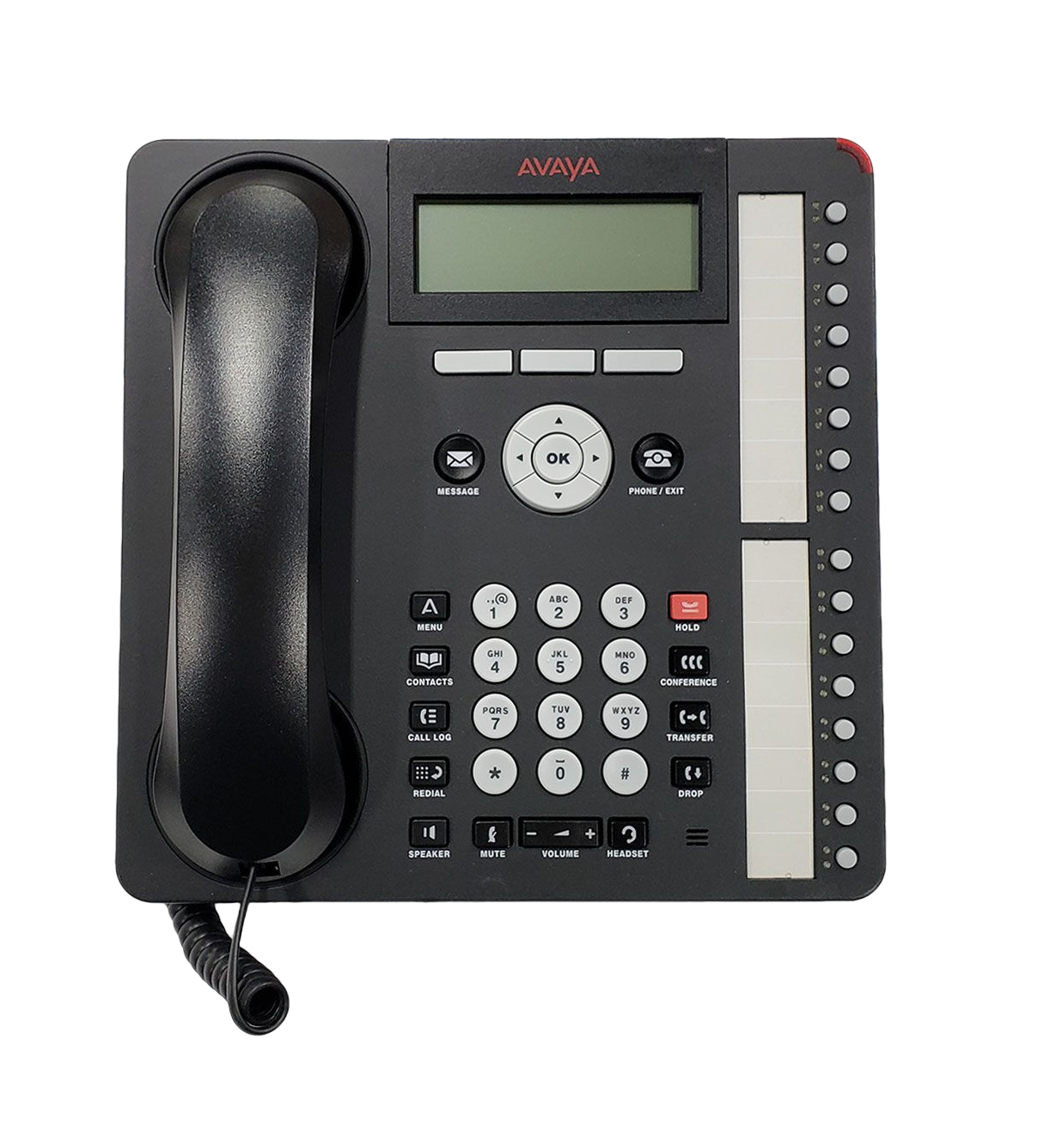
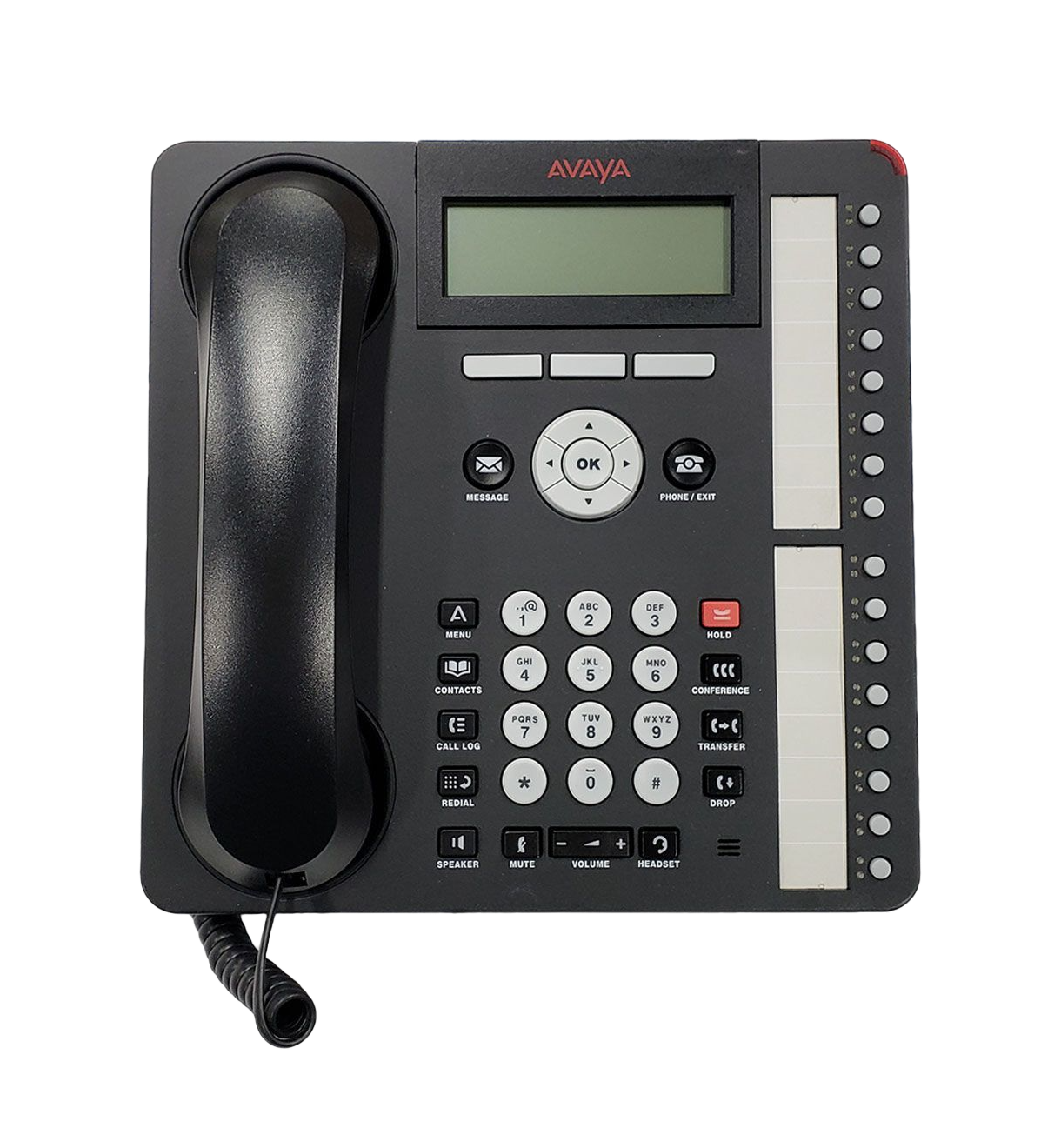
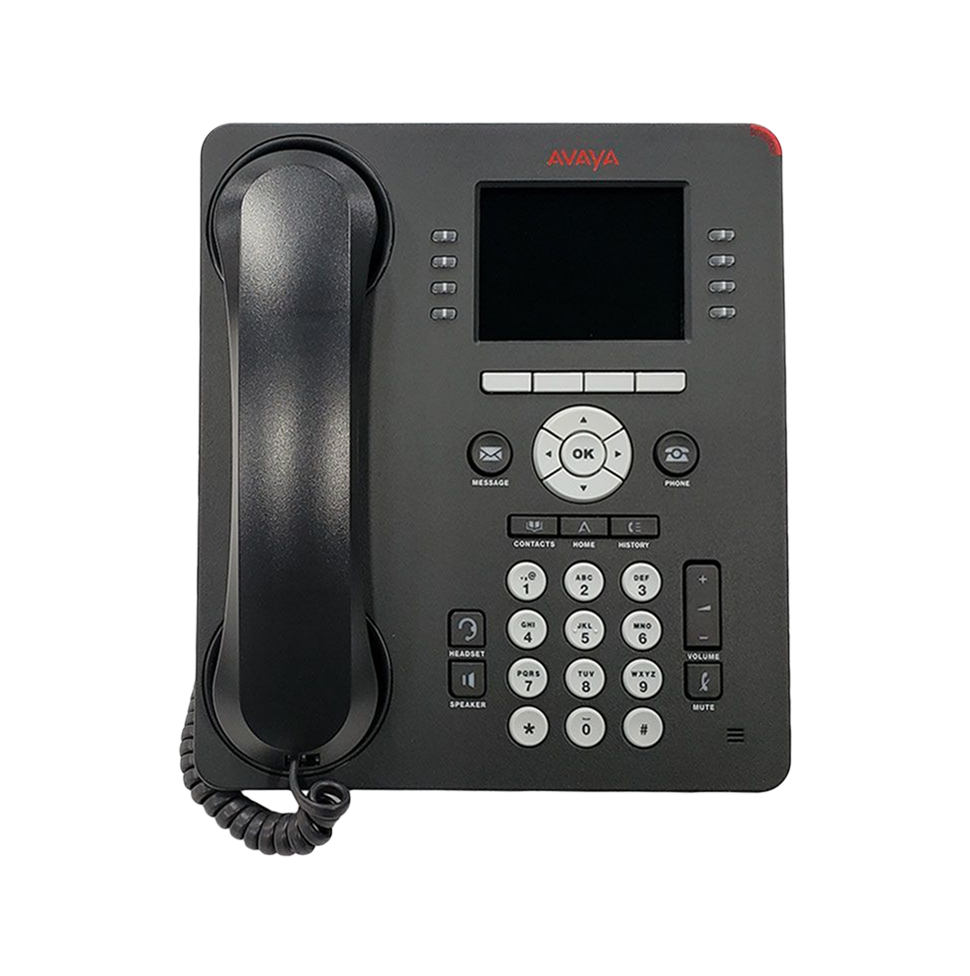
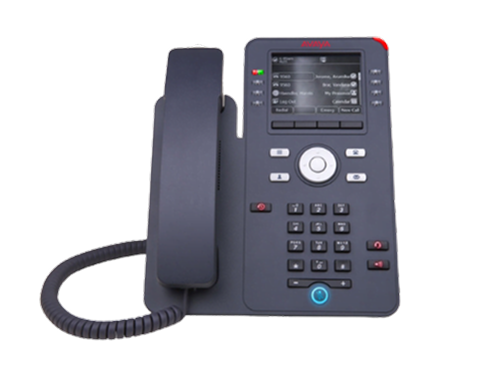
E-MetroTel support for compatible Avaya phones

Demo

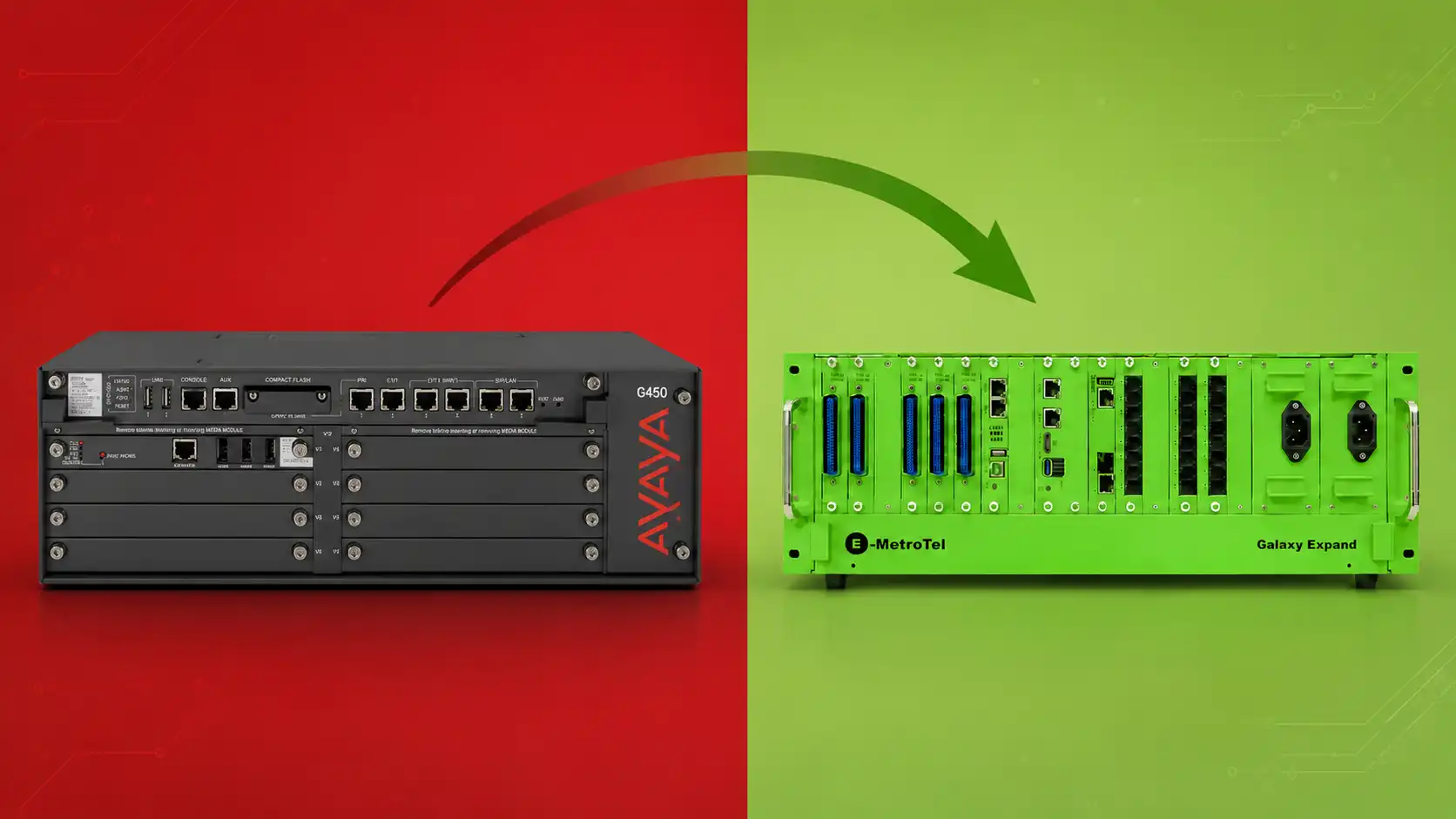
Avaya phone system migration option with E-MetroTel

Customers Experience About : E‑MetroTel System Flexibility

A More Flexible Way Forward

Replace Your Avaya Phone System With a More Flexible Solution

If you are considering a different path for your Avaya phone system, E‑MetroTel gives you an option to explore while continuing to use compatible Avaya phones and existing infrastructure where supported.

Choose the Setup That Works for Your Business
Keep More of What You Already Have
  • Compatible Avaya Phones
  • Existing Wiring
Add Modern Unified Communications Options

If your existing setup is compatible, you can continue using Avaya phones while adding softphones, mobile and desktop apps, unified communications, and other modern communication tools.

  • Avaya Phones + Softphones
  • Mobile & Desktop Apps
  • Unified Communications
  • AI Capabilities
Device Group · One Extension Multiple Devices

Use Your Avaya Desk Phone Together With Softphones

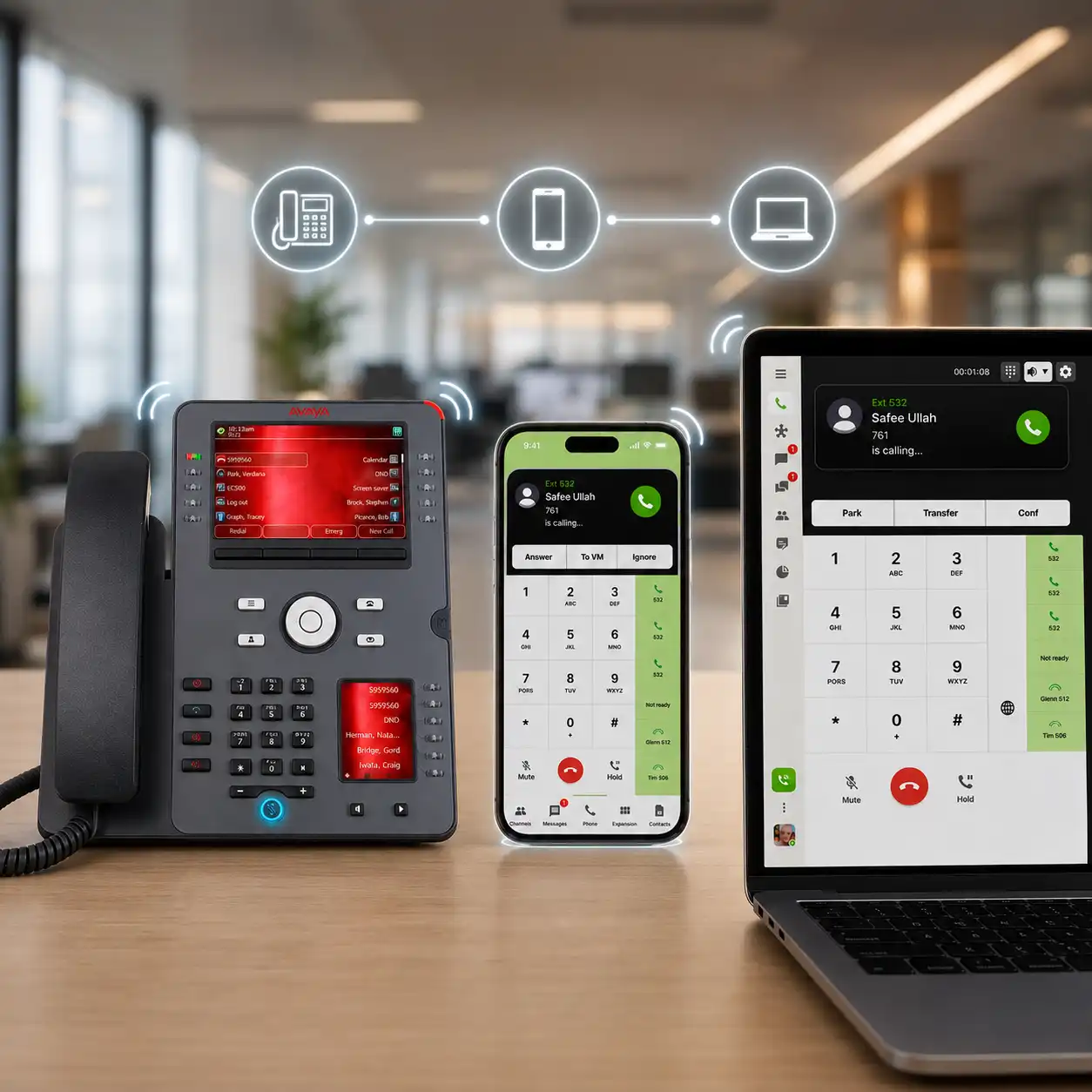
Keep using your compatible Avaya desk phone while adding E‑MetroTel softphones on your mobile phone, desktop, laptop, or tablet. Device Group lets the same extension work across all of these devices.

How It Works

When someone calls your extension, your Avaya desk phone and connected softphones can ring together. Answer the call on any device, and the other devices automatically stop ringing.

Avaya desk phone connected with E-MetroTel softphones on mobile and desktop using the same extension
More Than a Phone System Upgrade

Bring Modern AI Features to Your Communication System

After moving your Avaya phone system to E‑MetroTel, you can keep compatible Avaya phones and add modern AI tools that help answer calls, assist users during conversations, and improve customer experiences.

Call Assist

Available

See your call transcribed live and use AI assistance while the conversation is happening.

AI Receptionist

Available

Answer incoming calls, understand what callers need, and connect them to the right person.

AI Chatbot

Coming Soon

Give customers quick answers through chat without waiting for an available employee.

Agentic AI Voice

Coming Soon

Let callers speak naturally while AI understands their request and helps complete the task.

Video Conference Transcripts

Coming Soon

Automatically turn video meetings into written transcripts for easier review and follow-up.

Continue Using Compatible Avaya Digital Phones

Avaya 1403 digital phone

Avaya 1403

Avaya 1408 digital phone

Avaya 1408

Avaya 1416 digital phone

Avaya 1416

Avaya 2410 digital phone

Avaya 2410

Avaya 2420 digital phone

Avaya 2420

Avaya 9404 digital phone

Avaya 9404

Avaya 9408 digital phone

Avaya 9408

Avaya 9504 digital phone

Avaya 9504

Avaya 9508 digital phone

Avaya 9508

Continue Using Compatible Avaya IP Phones

Avaya 1603 IP phone

Avaya 1603

Avaya 1603-I IP phone

Avaya 1603-I

Avaya 1603SW-I IP phone

Avaya 1603SW-I

Avaya 1608 IP phone

Avaya 1608

Avaya 1608-I IP phone

Avaya 1608-I

Avaya 1616 IP phone

Avaya 1616

Avaya 1616-I IP phone

Avaya 1616-I

Avaya 9608 IP phone

Avaya 9608

Avaya 9610 IP phone

Avaya 9610

Avaya 9611 IP phone

Avaya 9611

Avaya 9611G IP phone

Avaya 9611G

Avaya 9620 IP phone

Avaya 9620

Avaya 9620C IP phone

Avaya 9620C

Avaya 9620L IP phone

Avaya 9620L

Avaya 9621G IP phone

Avaya 9621G

Avaya 9630 IP phone

Avaya 9630

Avaya 9630G IP phone

Avaya 9630G

Avaya 9640 IP phone

Avaya 9640

Avaya 9640G IP phone

Avaya 9640G

Avaya 9641G IP phone

Avaya 9641G

Avaya 9650 IP phone

Avaya 9650

Avaya 9650C IP phone

Avaya 9650C

Avaya 9670G IP phone

Avaya 9670G

Avaya J129 IP phone

Avaya J129

Avaya J139 IP phone

Avaya J139

Avaya J159 IP phone

Avaya J159

Avaya J169 IP phone

Avaya J169

Avaya J179 IP phone

Avaya J179

Avaya J179-TSG IP phone

Avaya J179-TSG

Avaya J189 IP phone

Avaya J189