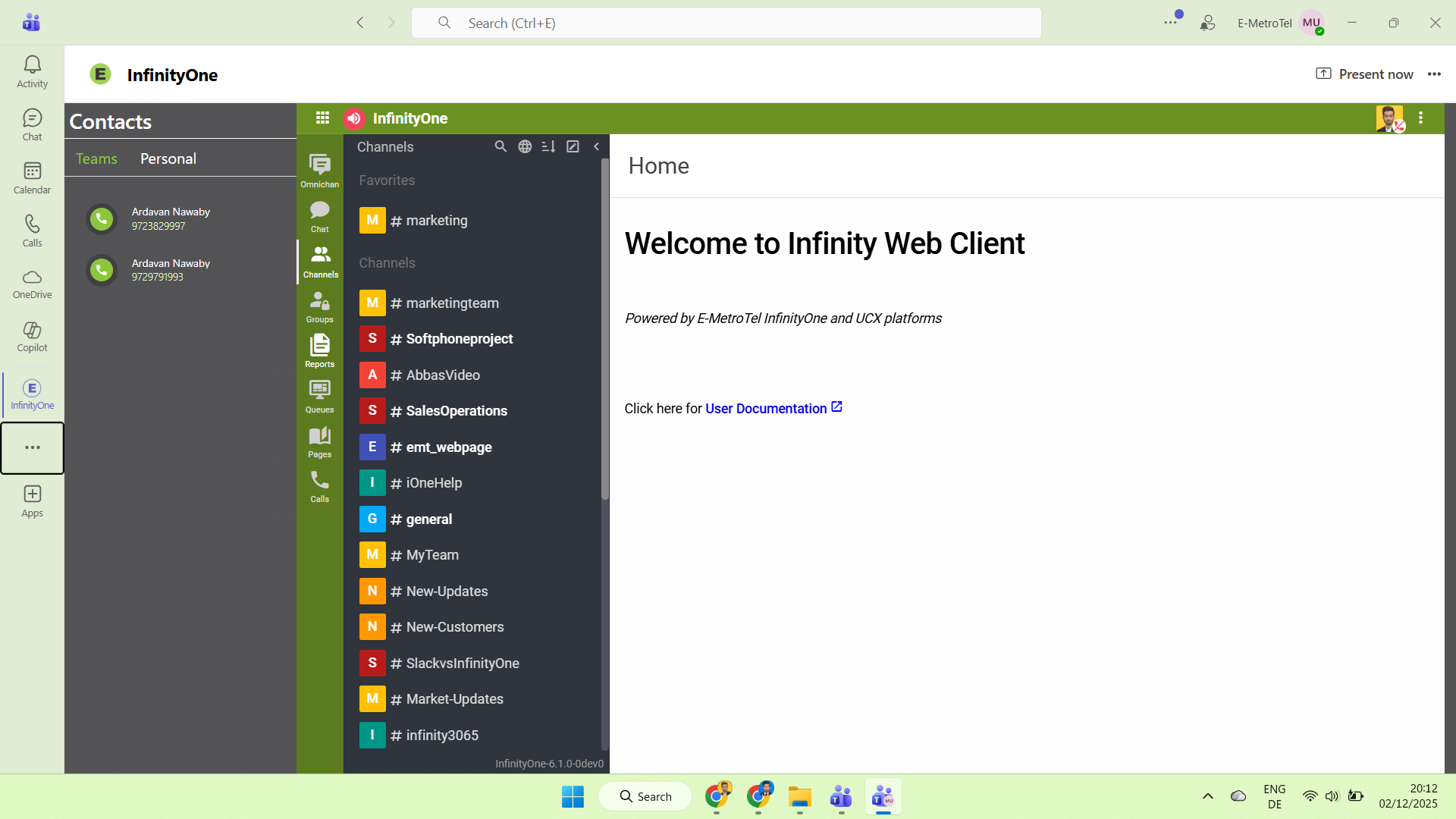
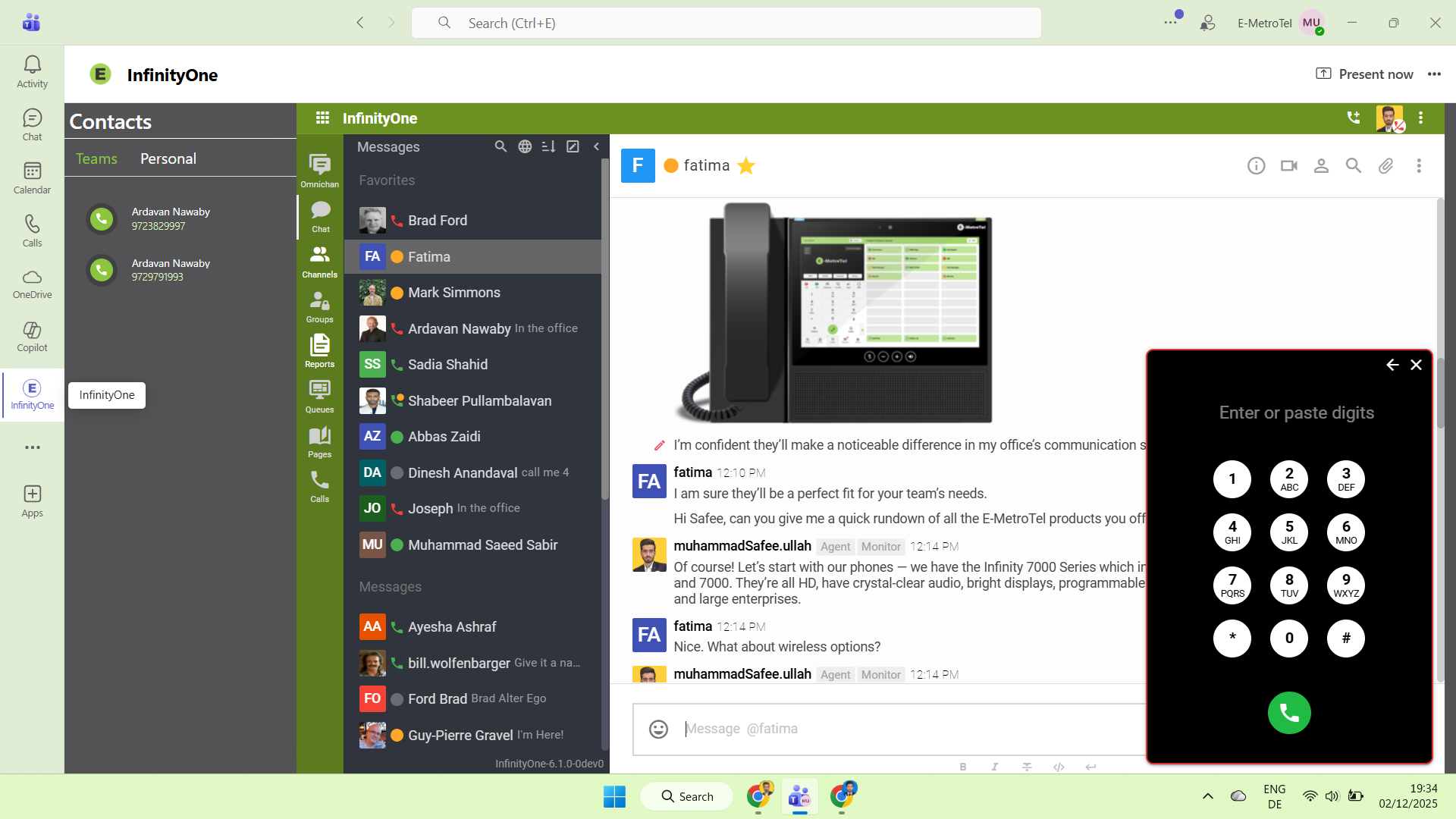
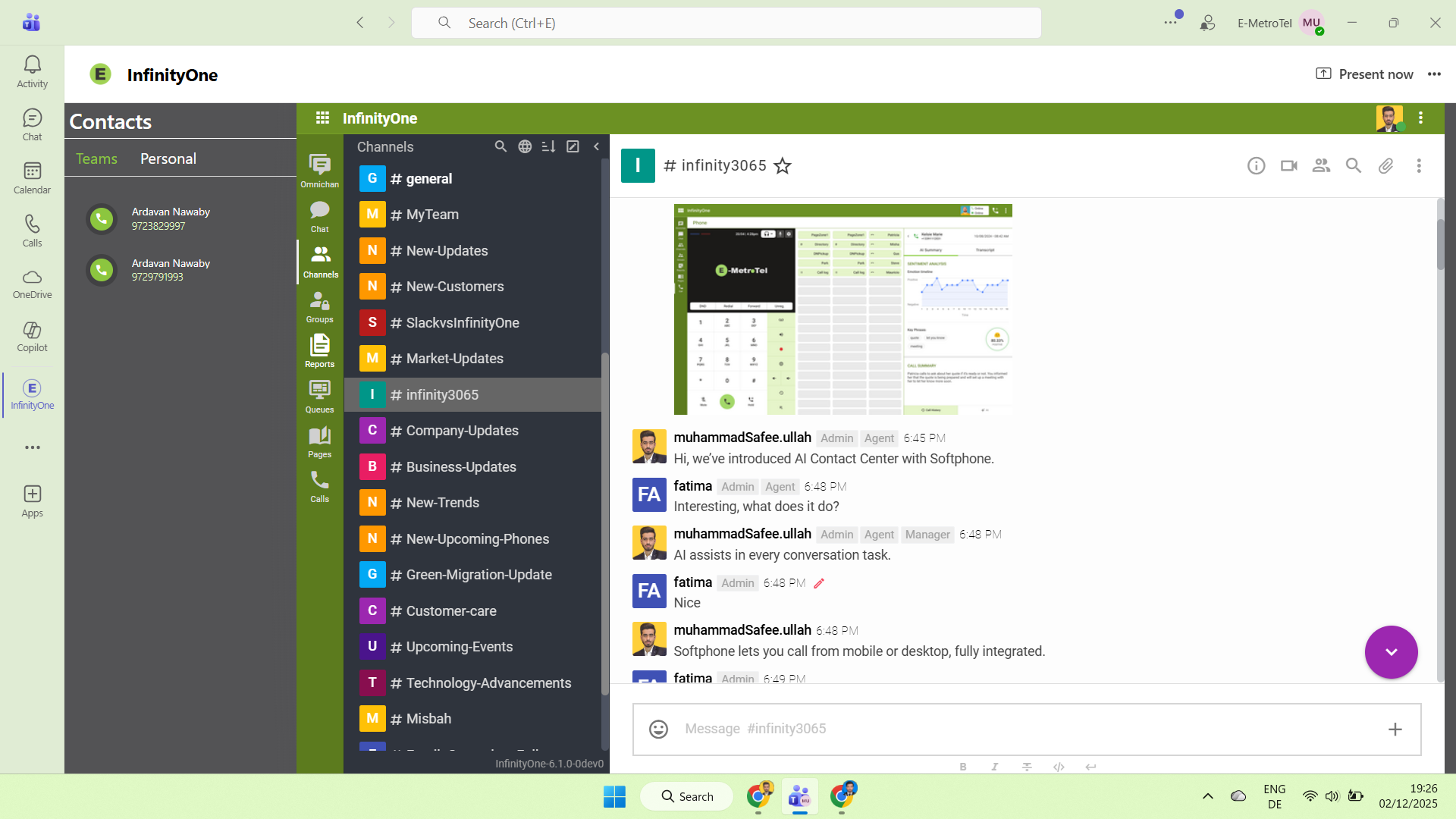
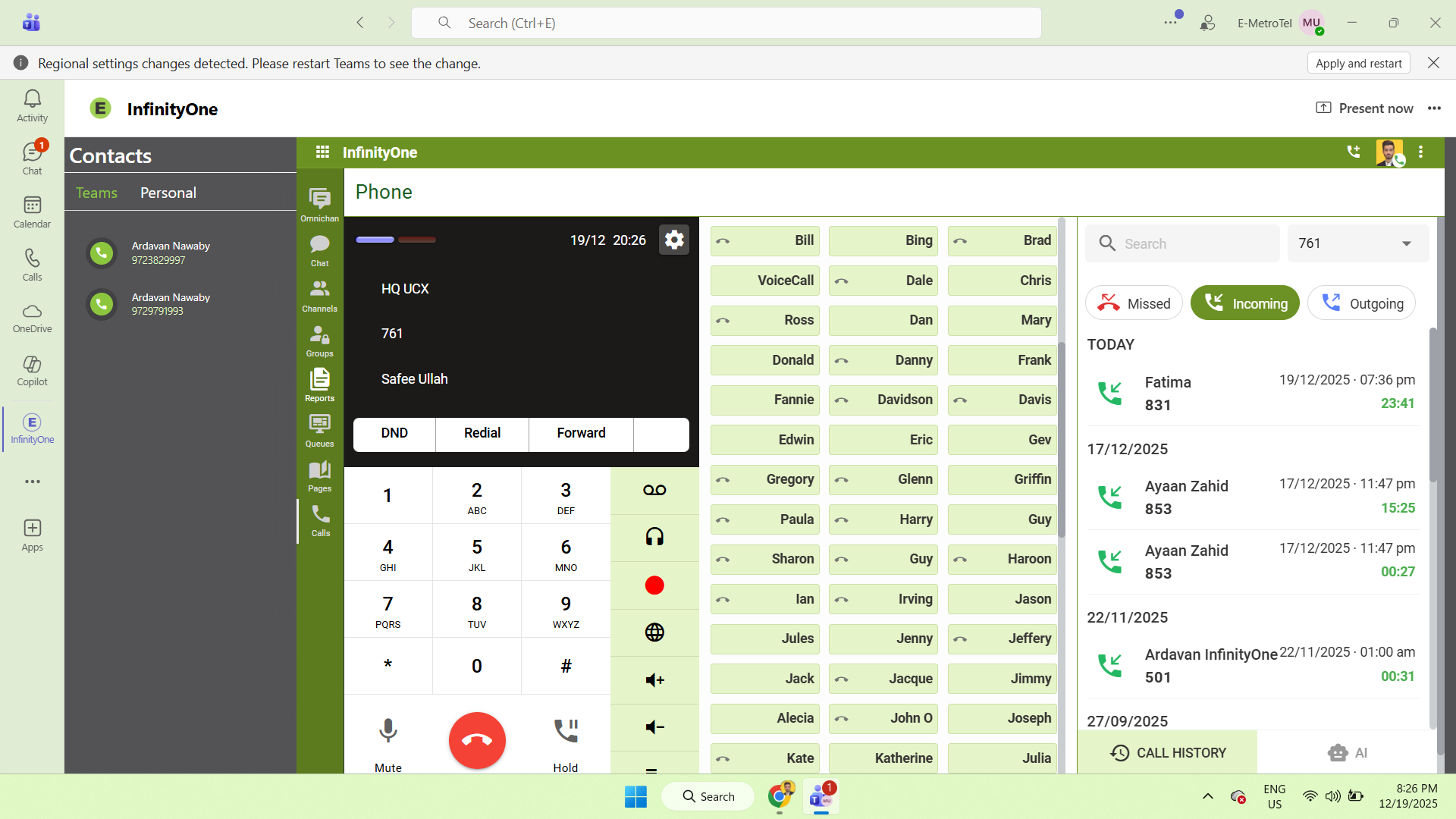
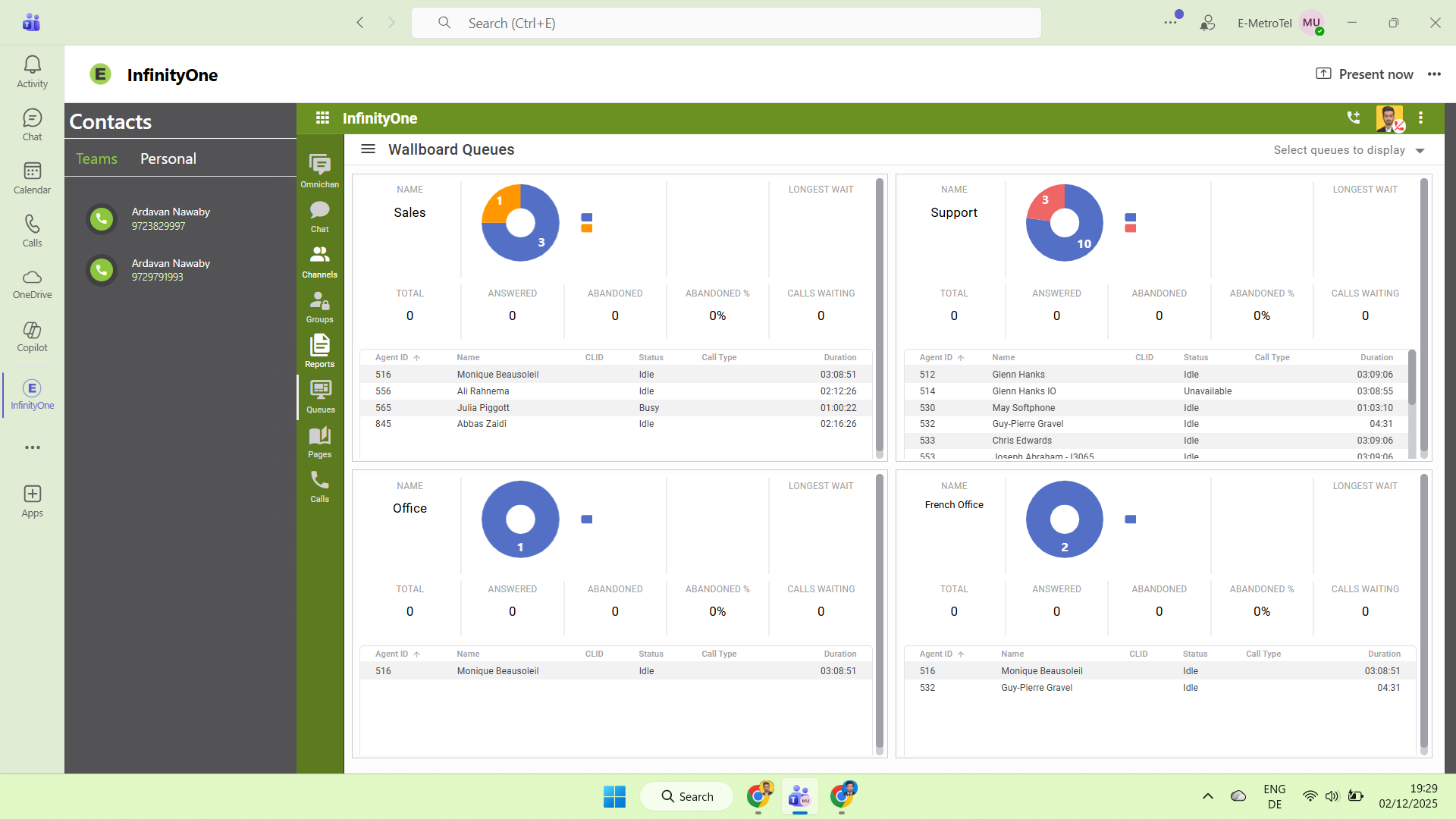
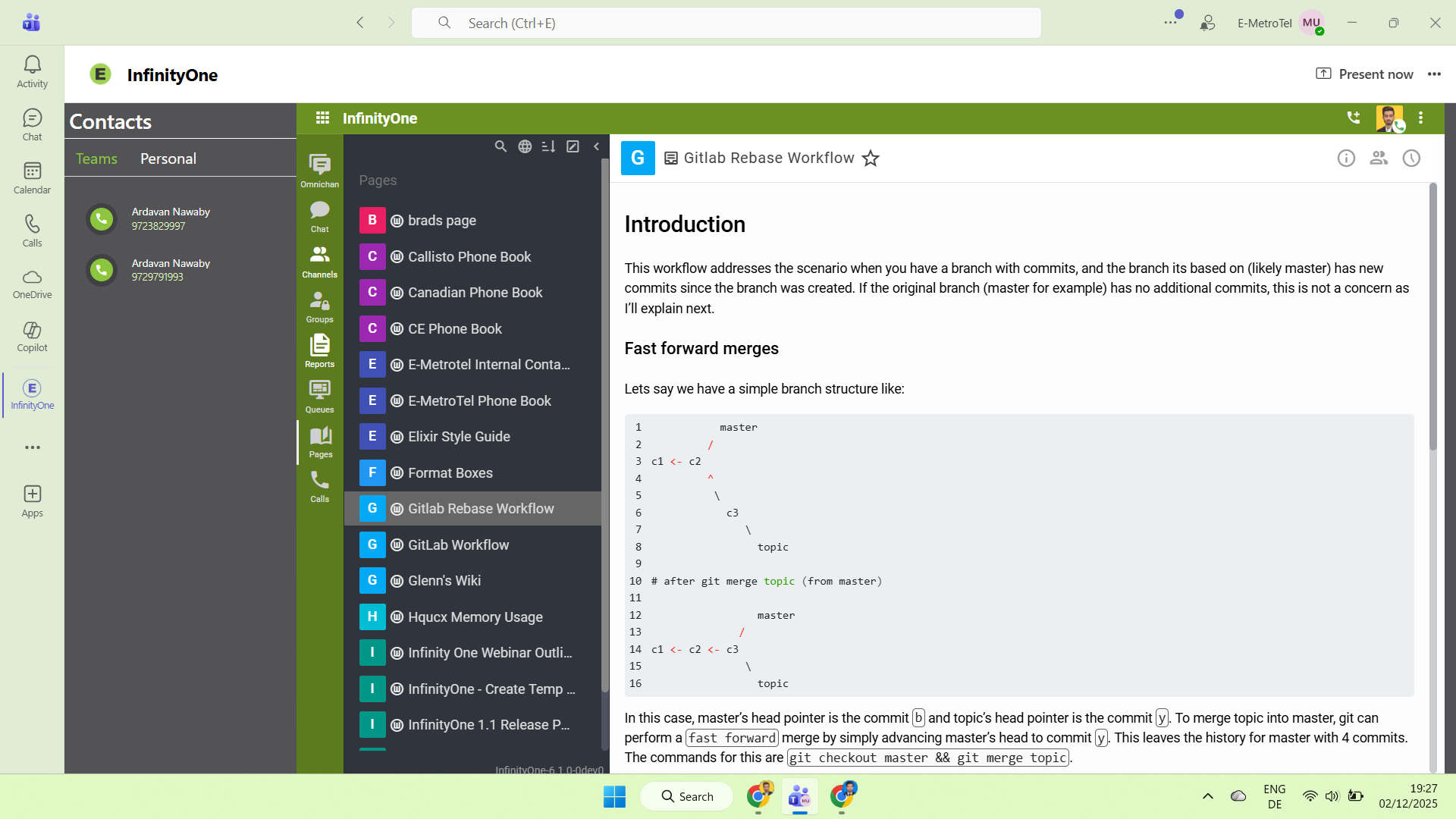
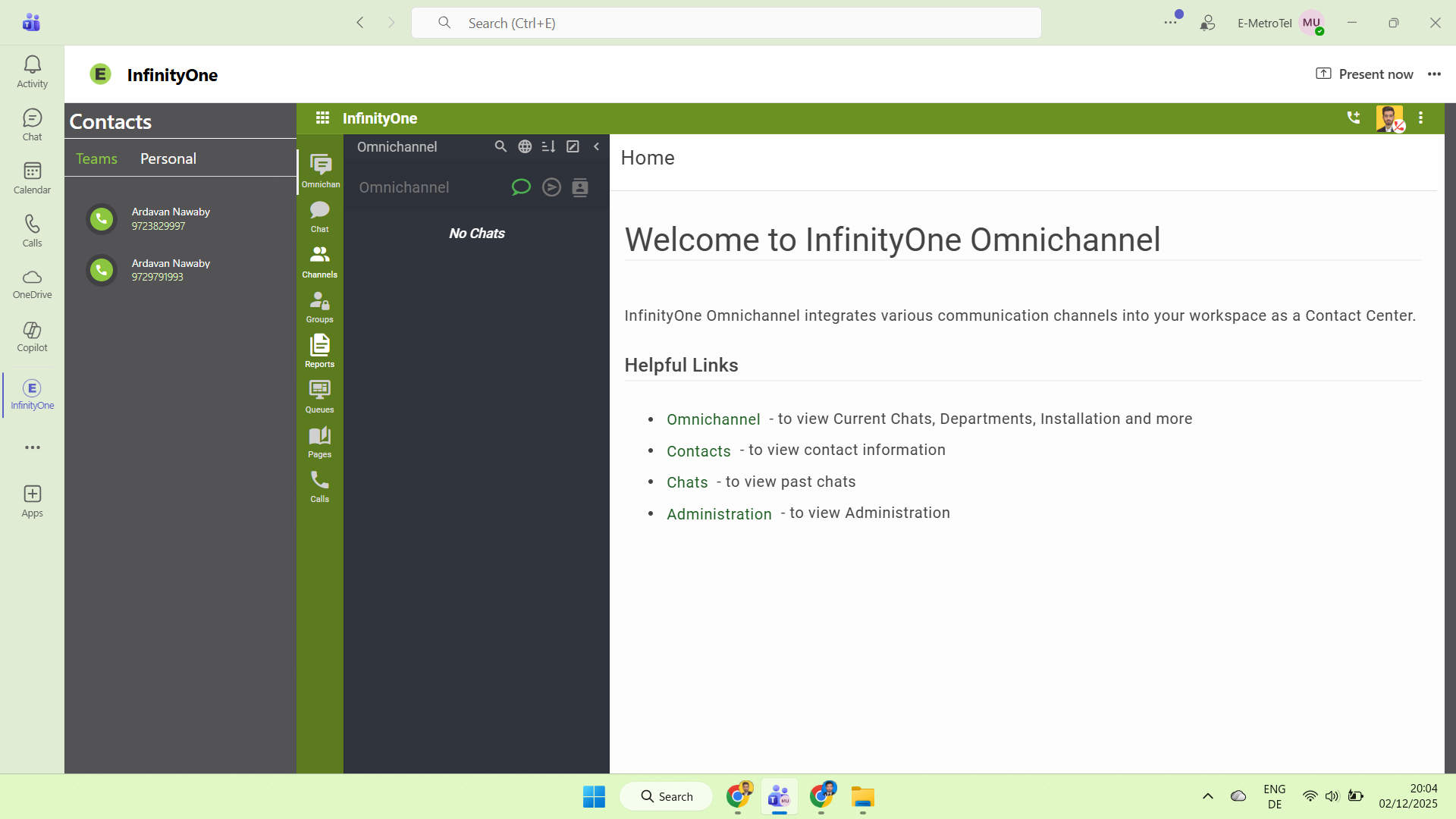
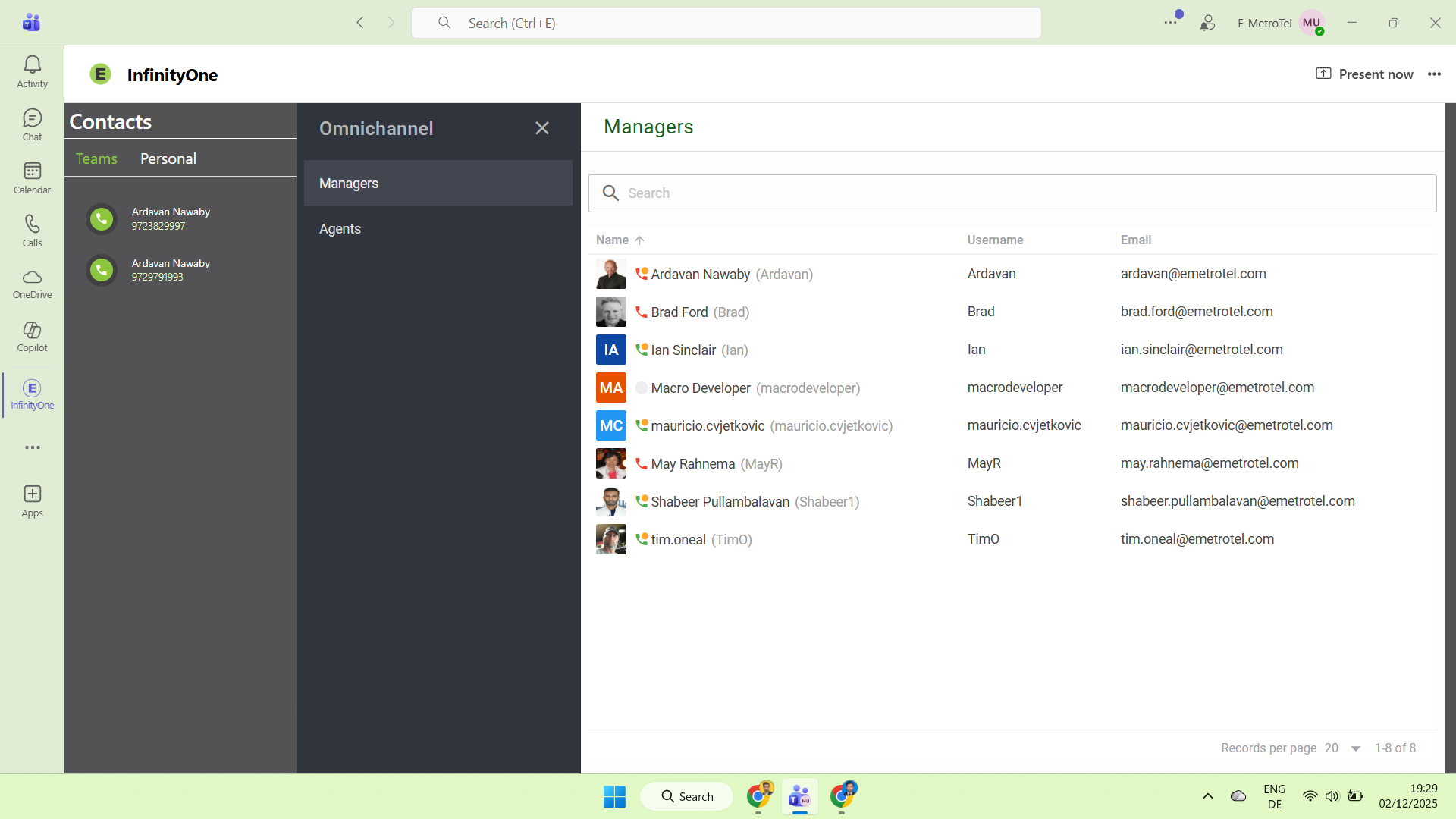
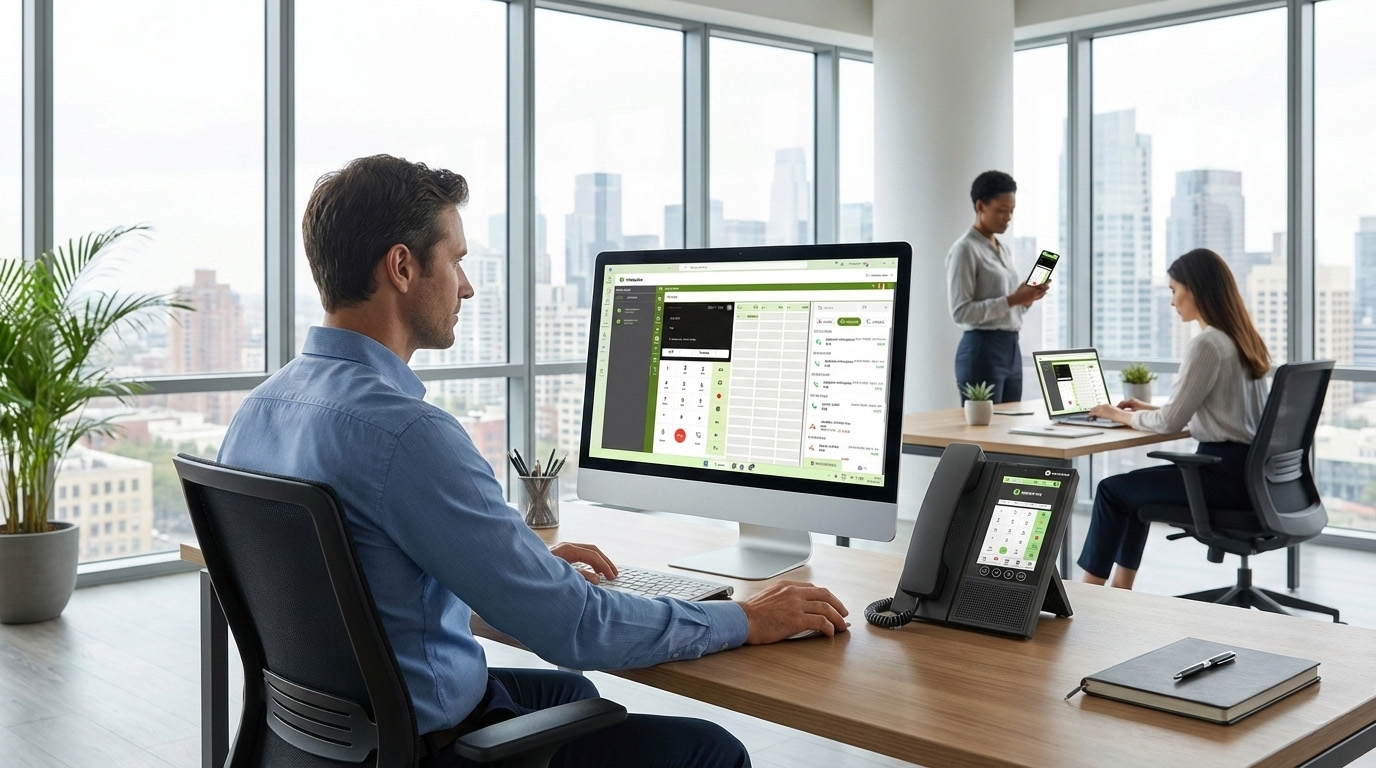
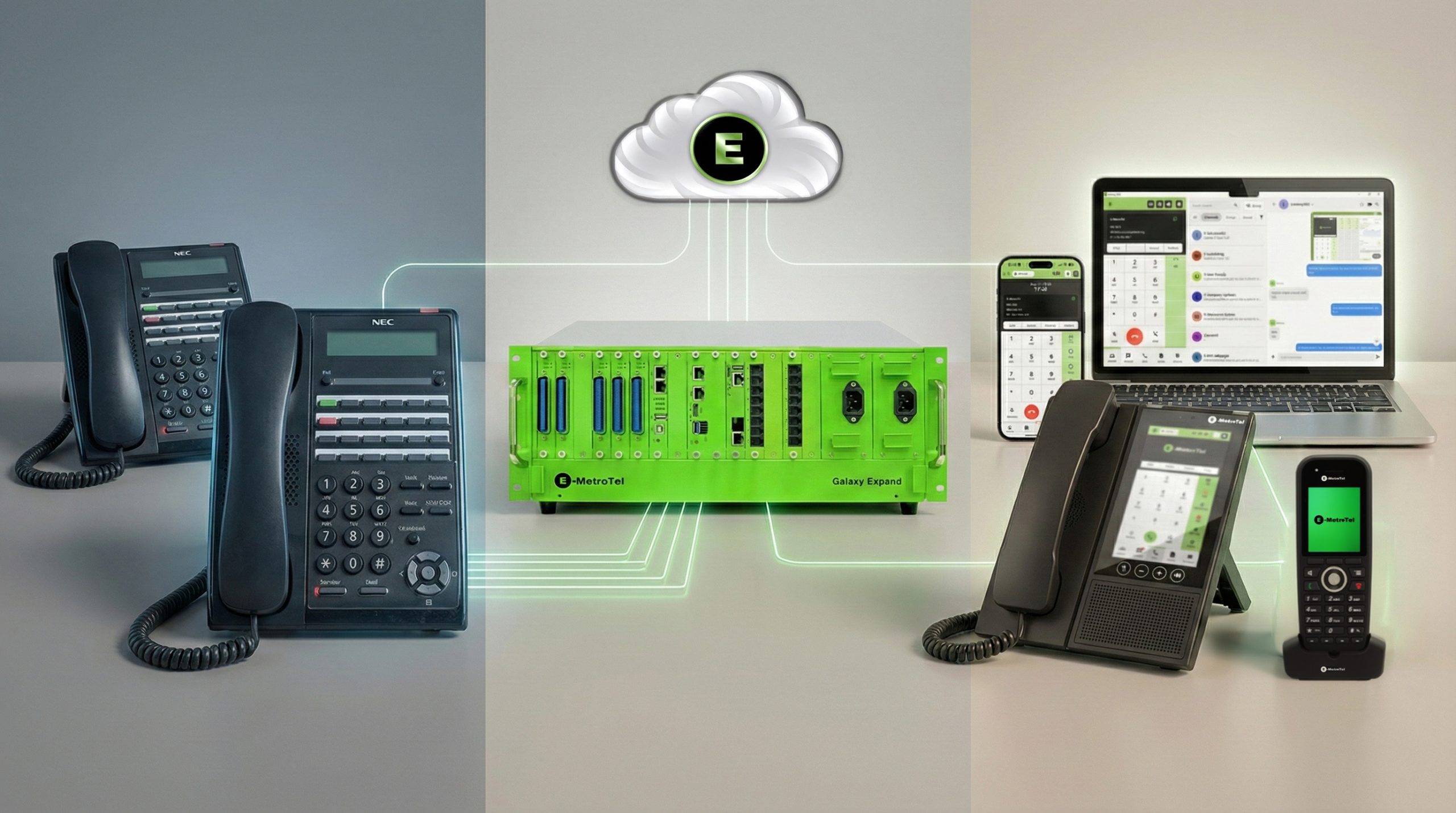
This integration allows employees to make and receive calls using their desk phone or Microsoft Teams. Calls work smoothly across the office or facility without changing how people work. Employees can choose the device that is most comfortable for them.
This turns Teams into a full call-center solution, not just a calling app.
Direct Routing
Smoother Teams Integration Using Direct Routing
E-Metrotel integrates with Teams via Direct Routing, enabling:
Teams softphone users to make/receive PSTN calls
Teams + desk phone interoperability
Single phone number across both platforms
Unified dial plan
Better control over call flows
Users continue using Teams, while E-Metrotel manages the telephony.
Next-Level Integration Features in Development
We are actively building and testing new capabilities that will make your Microsoft Teams + E-MetroTel experience even smoother and more connected. These enhancements are coming soon.
Upcoming Features:
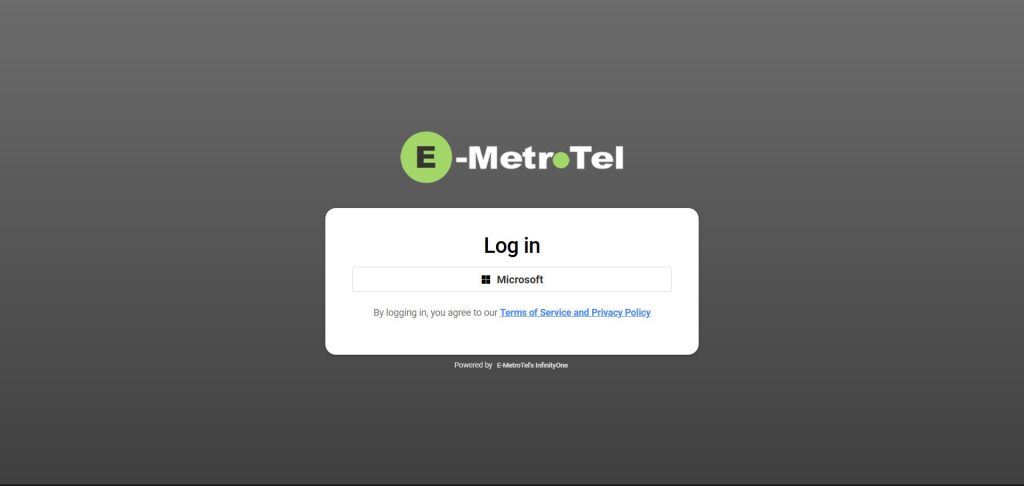
Single Sign-On (SSO) Easily access E-MetroTel services using your Microsoft credentials. No extra logins, simpler onboarding, and fewer passwords to manage.
Presence Sync See real-time user availability across both platforms. Teams status and E-MetroTel phone presence will work together to improve visibility and routing.
Secure PBX Backup That Keeps Your Business Running 24/7
PBX Backend
Provides a Native SIP PBX Backend That Teams Doesn’t Have
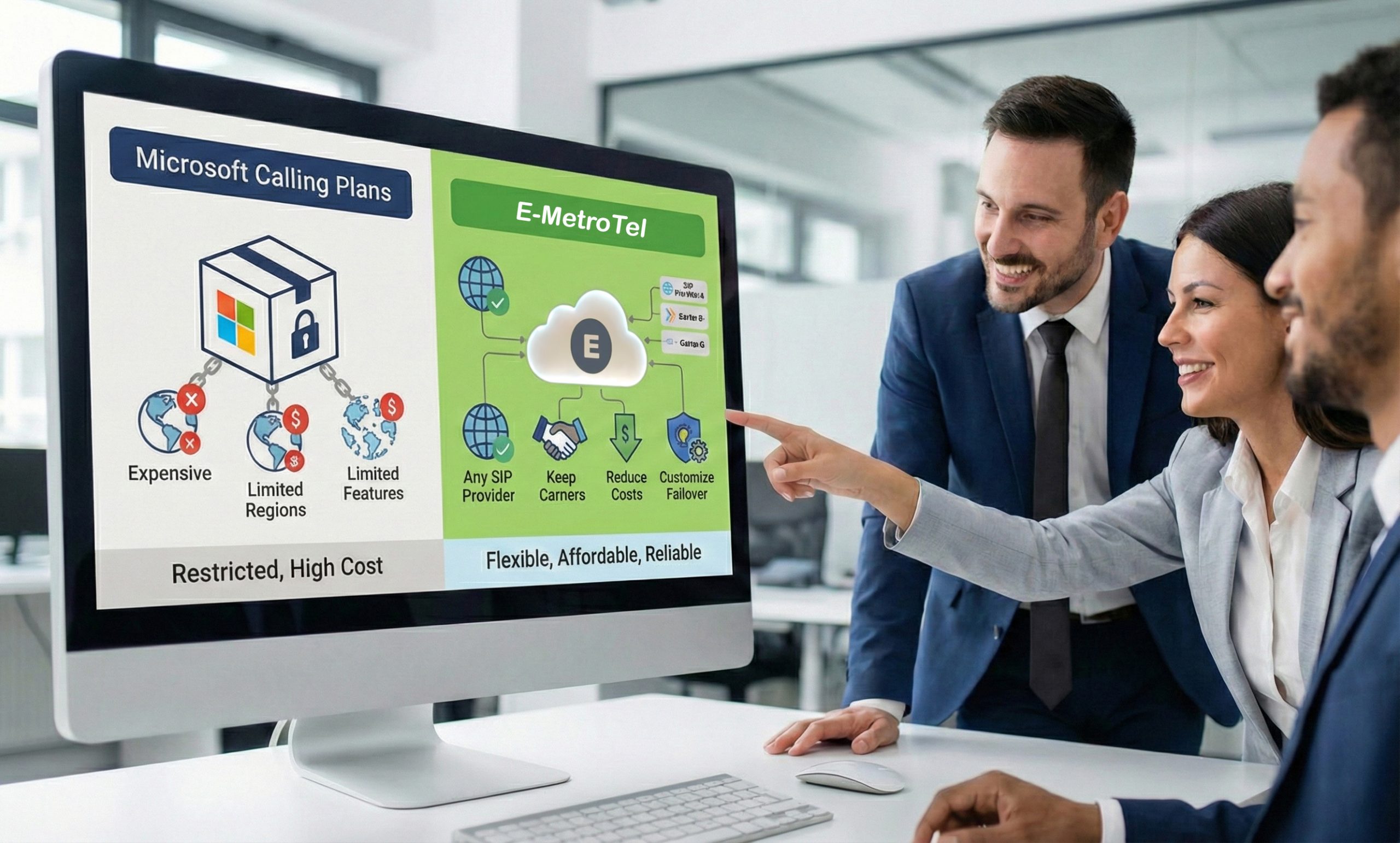
This makes Teams calling more affordable and reliable.
Frequently asked questions
How do I use Microsoft Teams to make an external call?
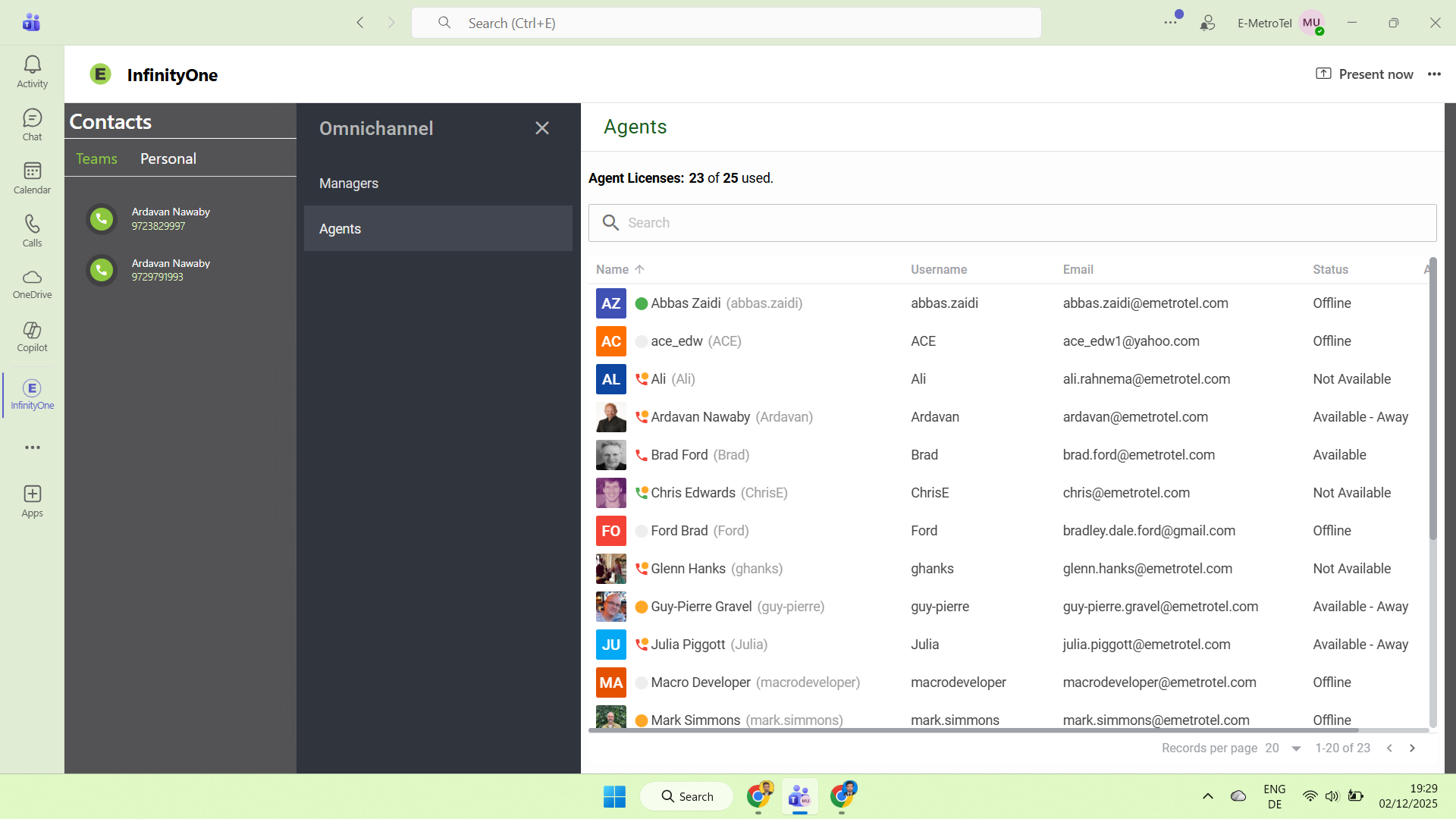
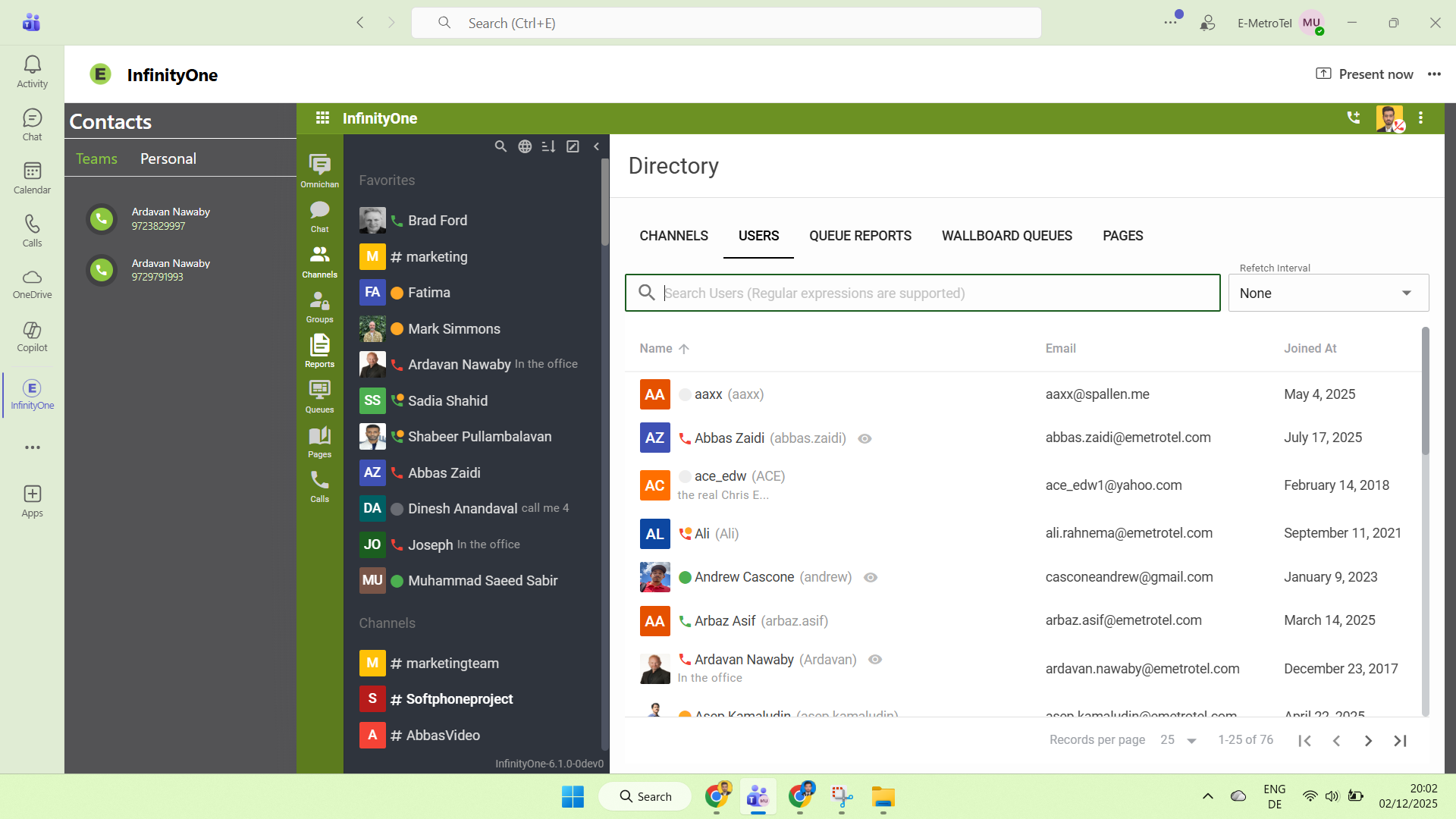
Microsoft requires users to have a Teams Phone license to make an external call using the native dialpad. A Teams Phone license may be purchased as an add-on to your Microsoft 365 license. Users can also upgrade to an E5 license, which includes a Teams Phone license. Alternatively, organizations can use the E-MetroTel InfinityOne embedded app, which allows users to place and receive external calls through the UCX system – without needing a Teams Phone license. This approach delivers full UCX telephony features directly inside Teams while avoiding the additional Microsoft licensing cost.
Can I send an SMS through Microsoft Teams?
Microsoft does not offer SMS as a service through Microsoft Teams. However, you can choose a third-party provider like E-Metrotel InfinityOne to integrate SMS into Teams. Factors to consider when choosing the right third party SMS provider for Teams include the reliability of the provider, if they offer a single number for phone, SMS, and fax, MMS capabilities. (Note: It is not supported. It can send multiple SMS messages using Omnichannel from one outbound send action, but they go individually to each user. The InfinityOne for teams app does not support extension based SMS.)
Can I send an eFax through Microsoft Teams?
The InfinityOne for teams app does not support Fax, and the fax support we have will only work for on-prem deployment currently.
Are desk phones compatible with Microsoft Teams telephony?
Microsoft Teams natively supports only a limited set of Teams certified desk phones. However, organizations using E-MetroTel UCX gain far greater flexibility. With the E-MetroTel integration for Microsoft Teams, telephony continues to run on UCX. Users who prefer a physical phone can continue using one, while those who prefer the Microsoft Teams interface can use the embedded Infinity Web Client for calling, both connected to the same UCX extension and both can get the benefits of click to call Teams contacts.
For deeper technical understanding, be sure to review the documentation on E-Metrotel InfinityOne with Teams integration. To access it or learn more, please contact us, we’ll be happy to assist you.