CRM Integrations

Bring Business Phone System Directly Into Your CRM

Make and receive business calls without leaving your CRM.

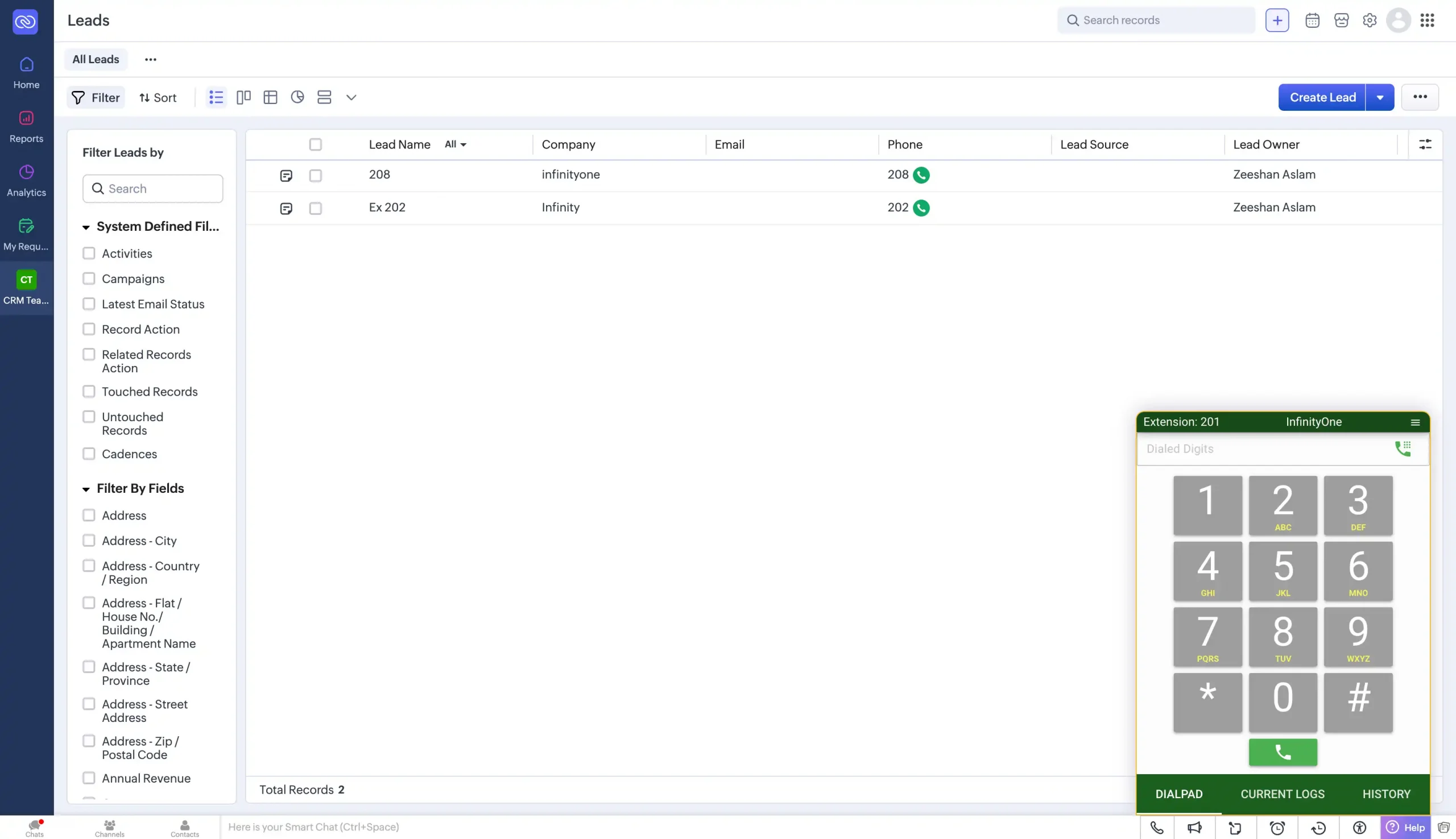
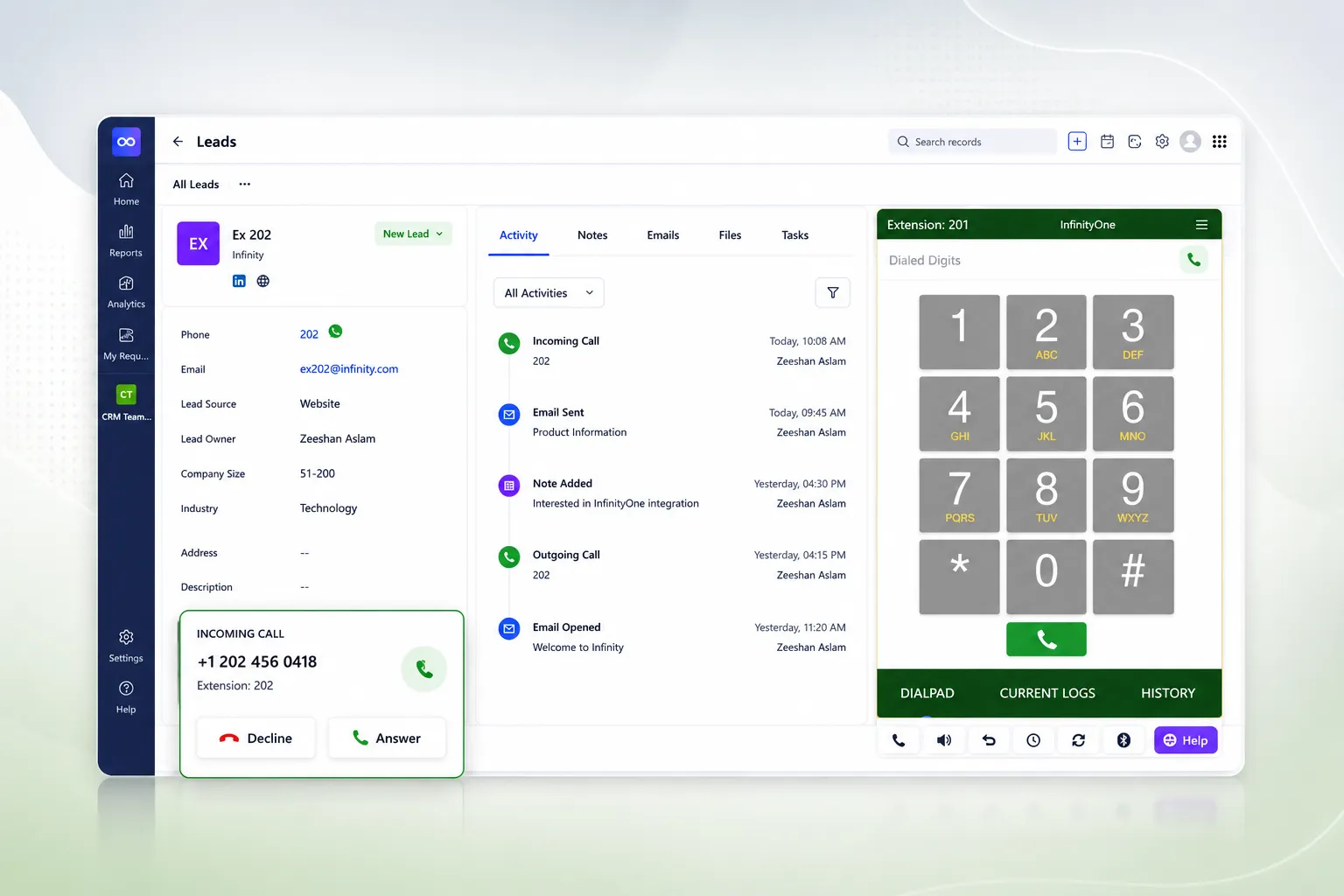
E-MetroTel adds the InfinityOne Dialpad directly inside Salesforce, Zoho CRM, and other web-based CRM systems. Your team can call customers, answer incoming calls, click phone numbers to dial, and manage active calls from the same screen where they manage customer information.

  • Dialpad Inside Your CRM
  • Make & Receive Calls
  • No App Switching
  • Works With Every CRM
Contact Us →
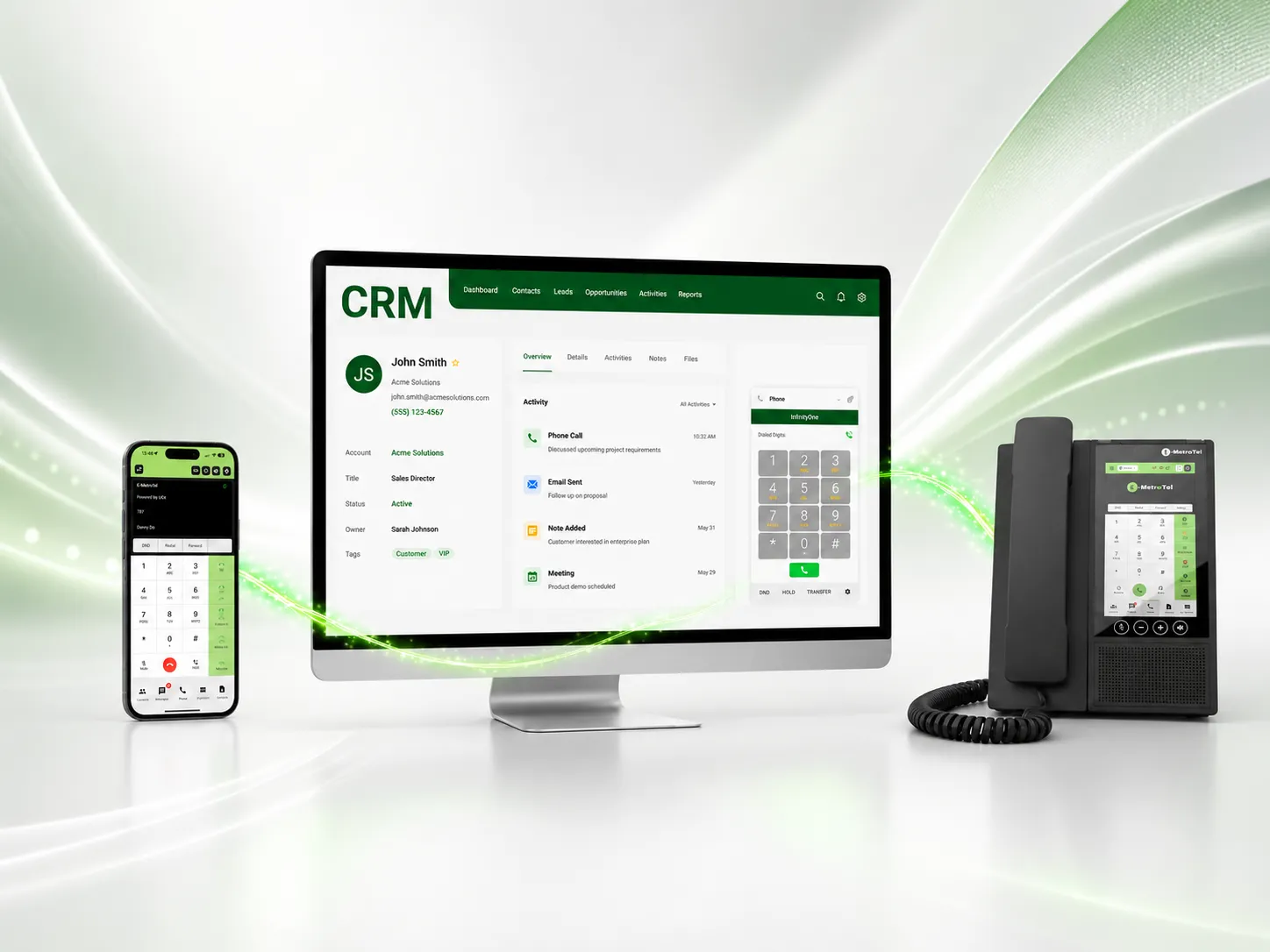
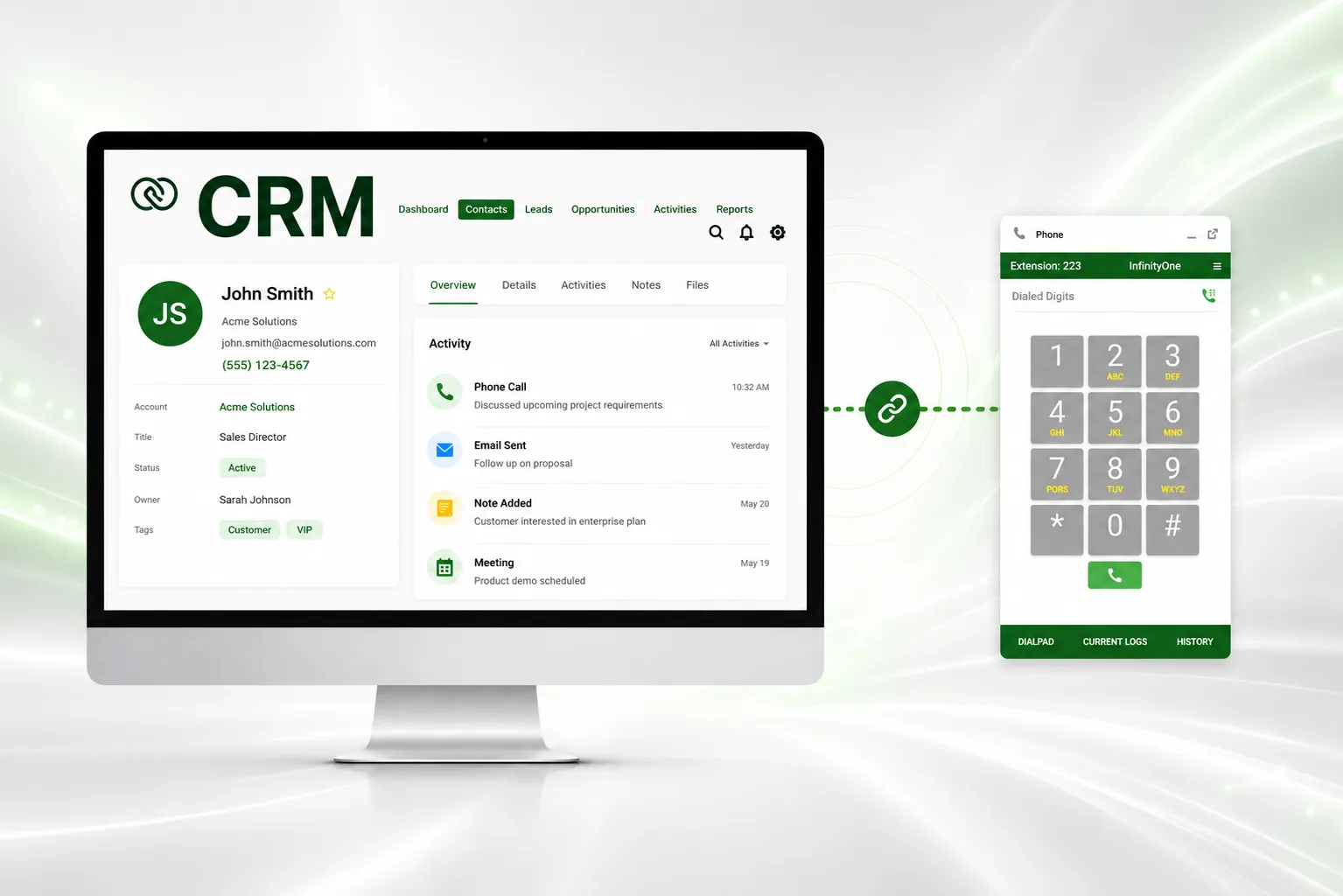
InfinityOne business dialpad working directly inside a CRM platform
  • Works With Any Web-Based CRM
  • Live in Salesforce
  • Live in Zoho CRM
  • In Freshdesk Coming Soon

See CRM phone Integrations in Action

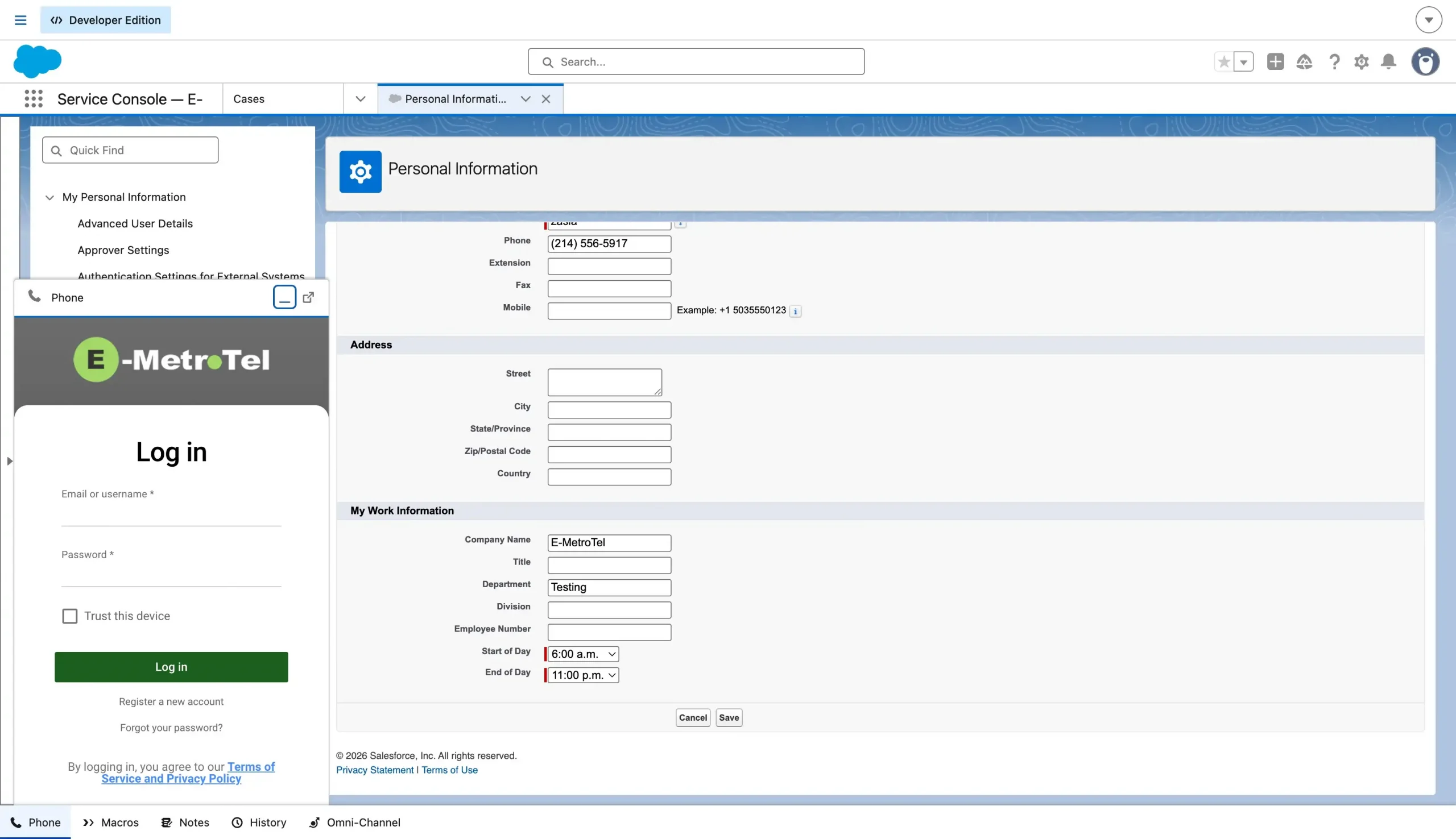
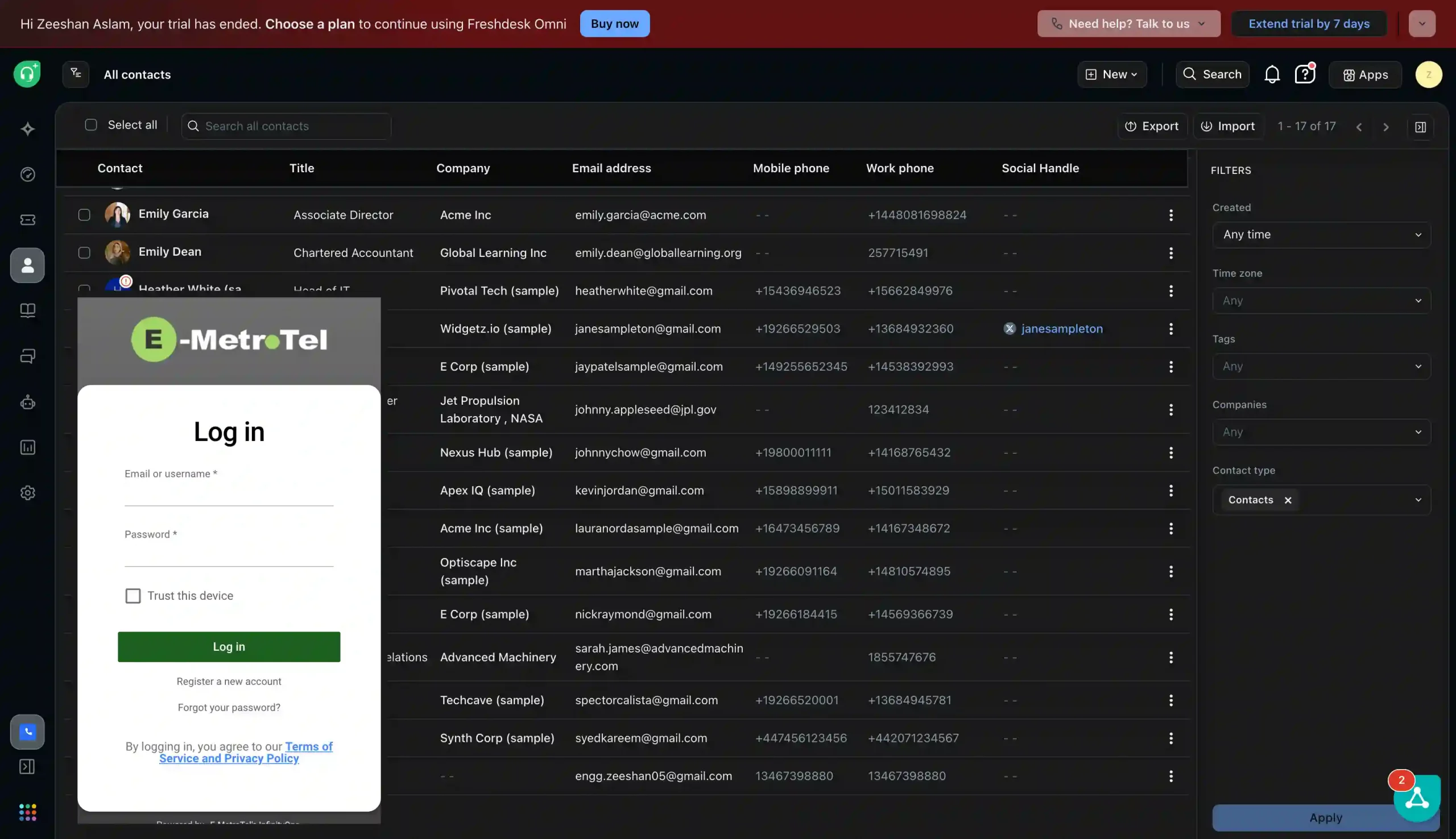
Open InfinityOne directly inside Salesforce and sign in without leaving your CRM.
E-MetroTel
InfinityOne login inside Salesforce CRM
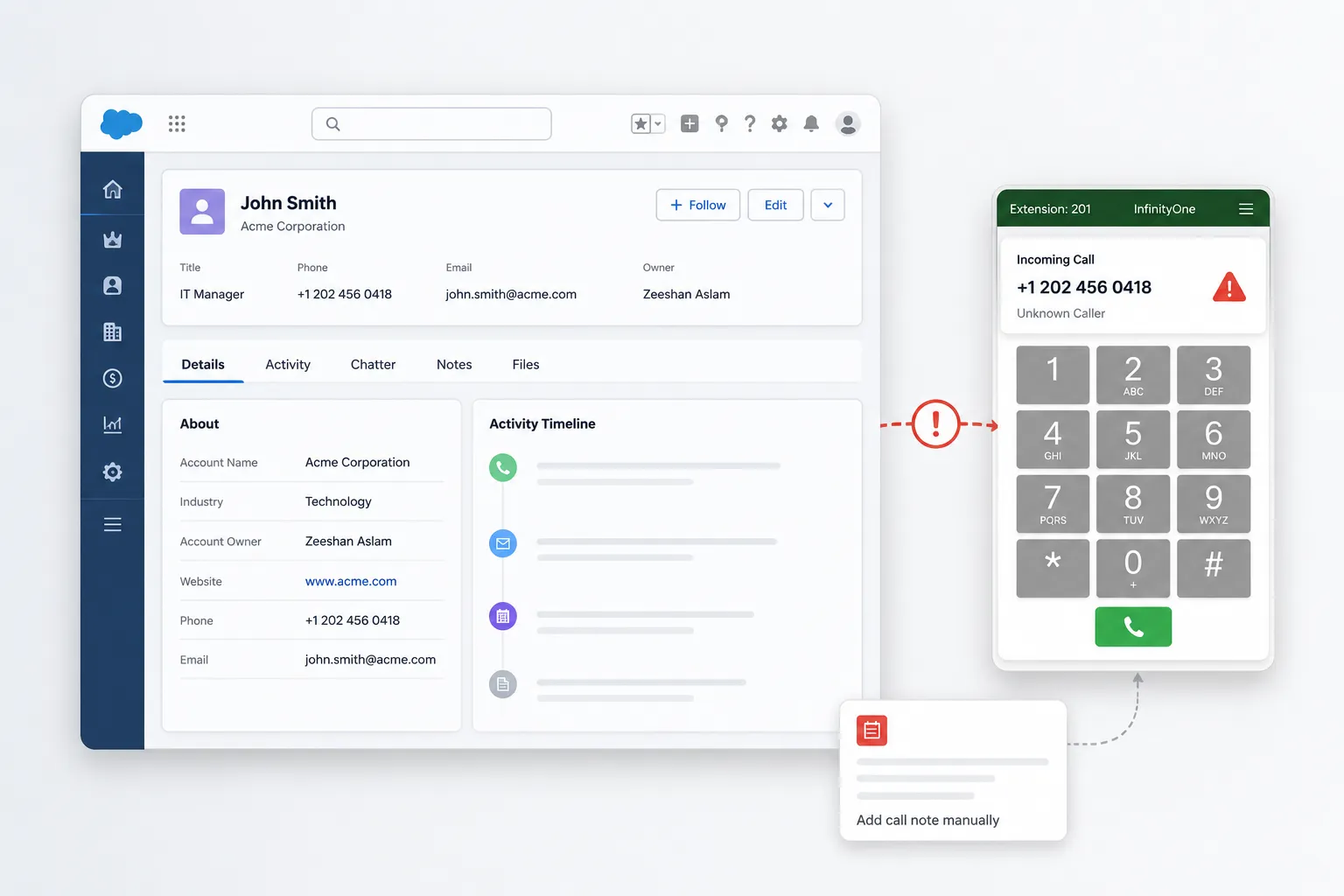
CRM and business dialpad working as separate tools

Why It Matters

Keep Calls Connected to Customer Work

Most CRM systems manage contacts, deals, and support tickets, while business calling stays in a separate application.

This creates extra steps, slower customer responses, and less information during important conversations.

  • Switching Between Tools
  • Manual Call Logging
  • Missing Caller Context
  • Disconnected Workflows

E-MetroTel telephony integration solves these problems by bringing calling directly into the CRM.

The Solution

E-MetroTel calling platform built to fit everywhere

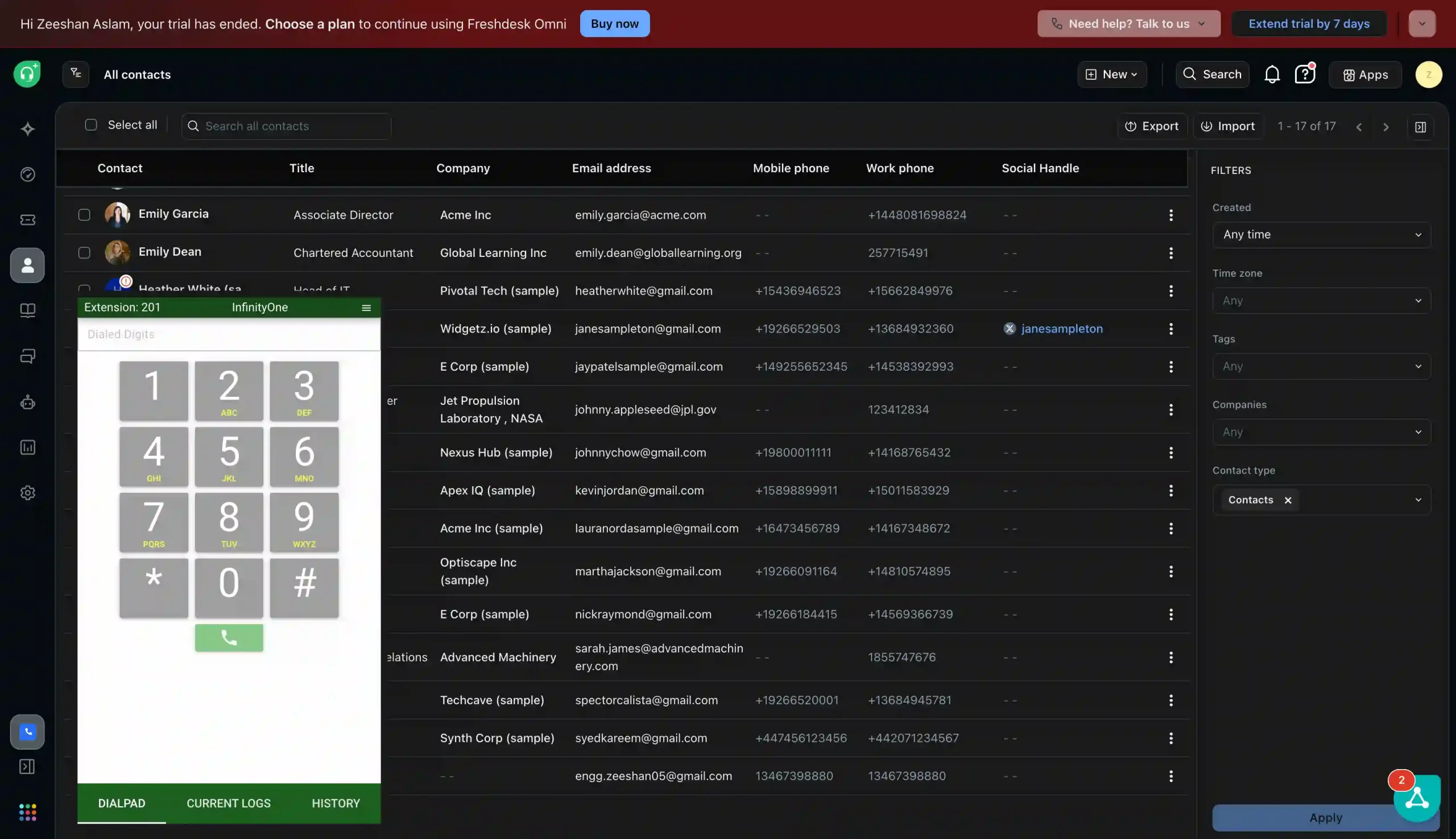
Bring E-MetroTel business calling directly inside your any CRM, ERP system, customer portal, or other web-based platform.

Your team can sign in, make and receive calls, manage active conversations, and view call history without switching to another application.

  • Works Inside Any CRM
  • Make & Receive Calls
  • Hold, Mute & Transfer
  • Choose Your Extension
  • Call History & Redial
E-MetroTel telephony integration inside a web-based CRM

Telephoney + Custom CRM

Simple Integration Steps

Add the InfinityOne dialpad to your custom CRM and let users manage business calls from the same workspace.

Step 1

Enable the Integration

Turn on CRM integration and create the InfinityOne dialpad link.

Step 2

Add It to Your CRM

Place the dialpad link inside your CRM, ERP, portal, or web application.

Step 3

Sign In and Start Calling

Users select their extension and make or receive calls directly inside the CRM.

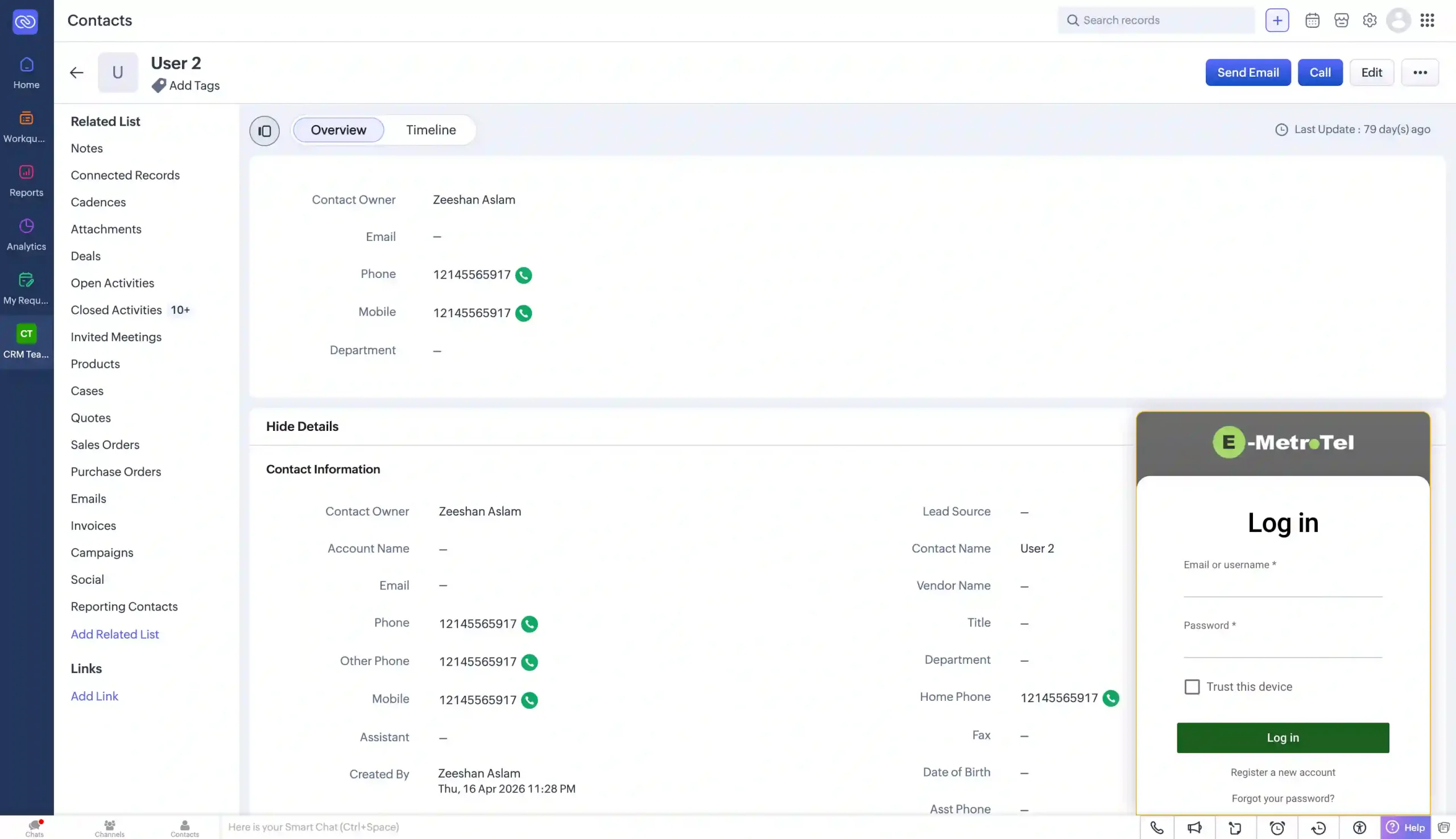
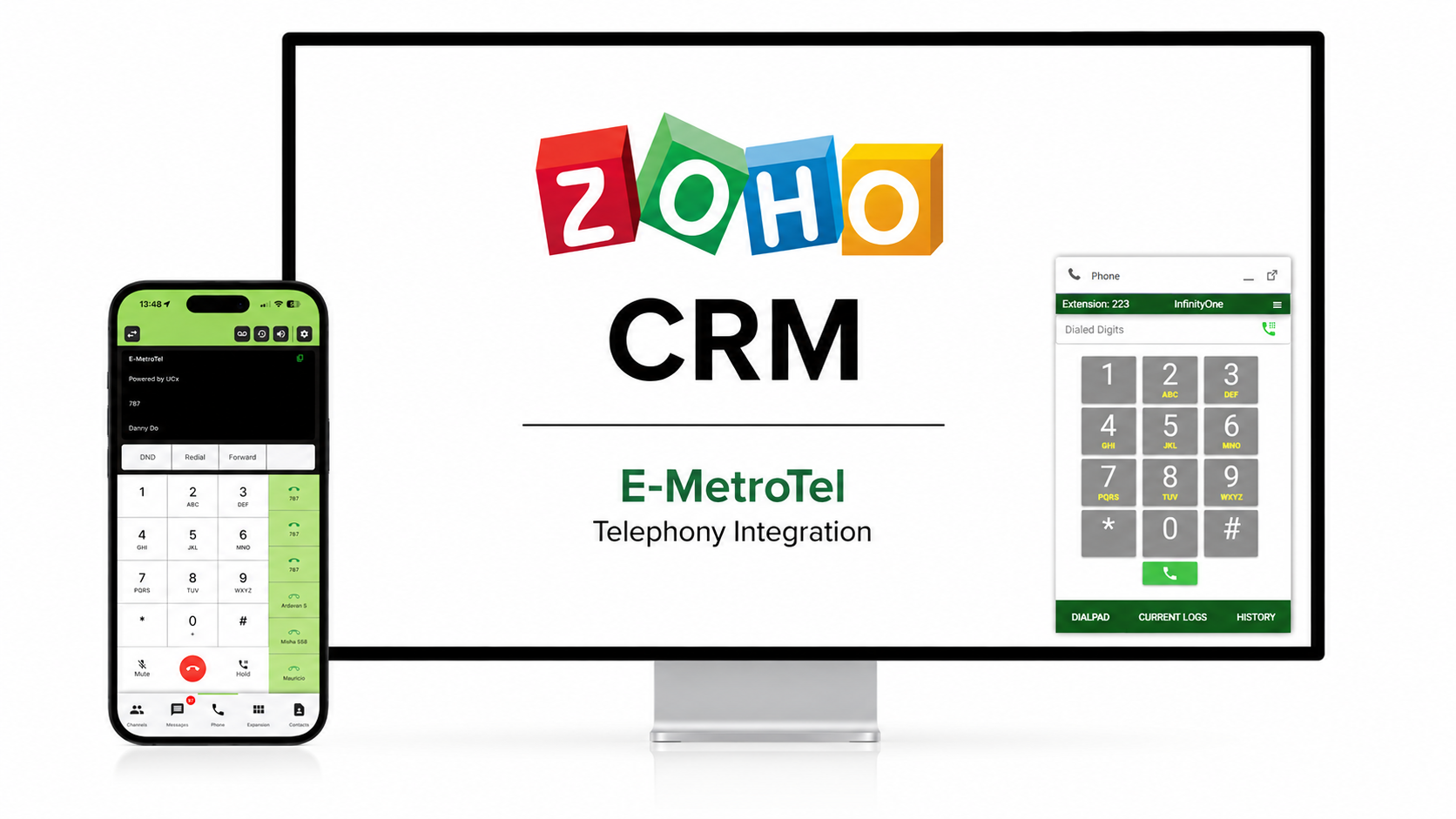
InfinityOne business calling inside Zoho CRM

Zoho CRM Integration

Business Calling Inside Zoho CRM

InfinityOne works directly inside Zoho CRM, helping users make calls, view matching customer records, and manage call activity without leaving the Zoho workspace.

  • Make & Receive Calls
  • Click-to-Dial Contacts
  • Incoming Record Popups
  • Hold, Mute & Transfer
  • Automatic Call Logging
  • Call Details in Zoho

Salesforce Integration

Business Calling Inside Salesforce

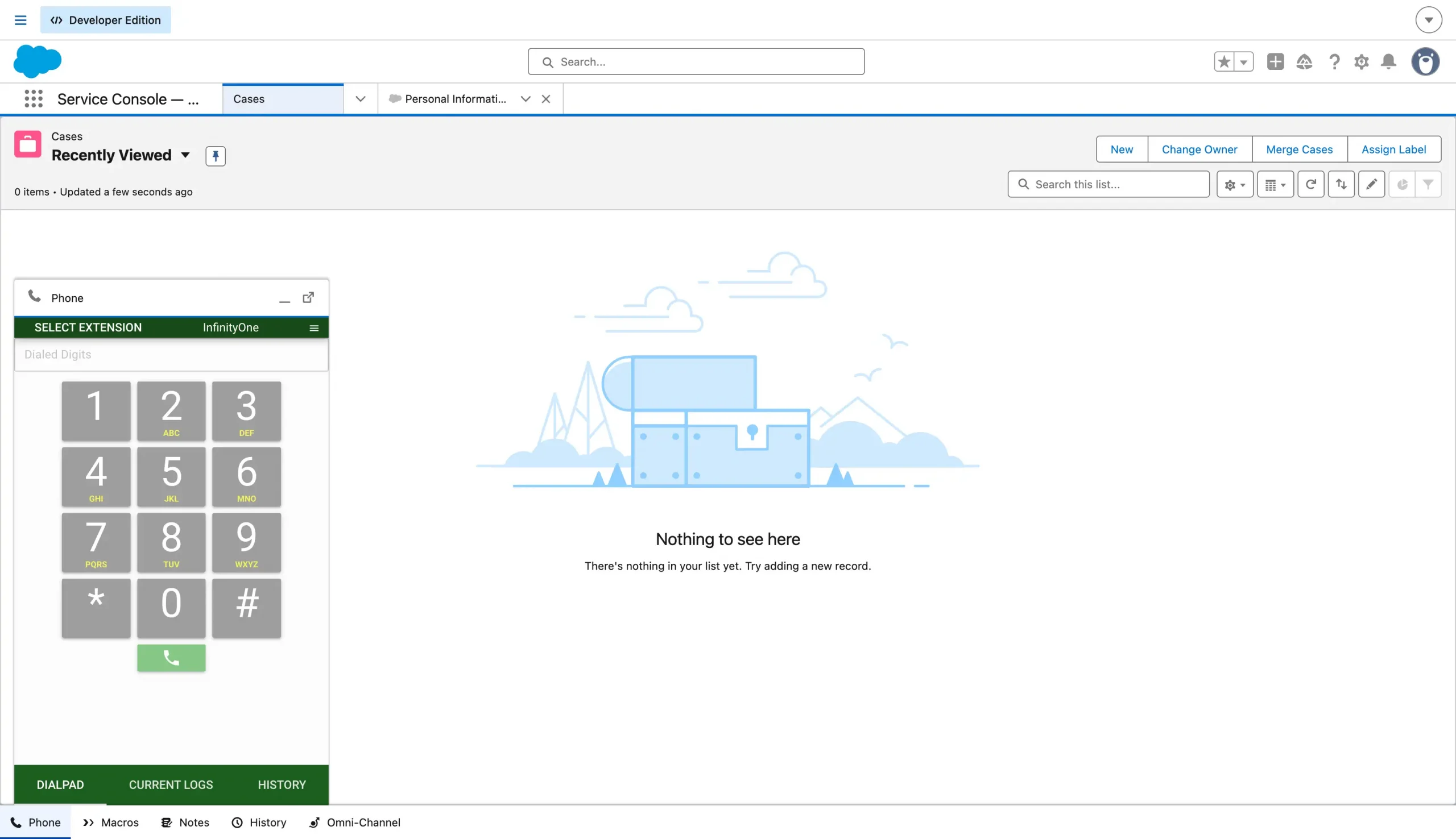
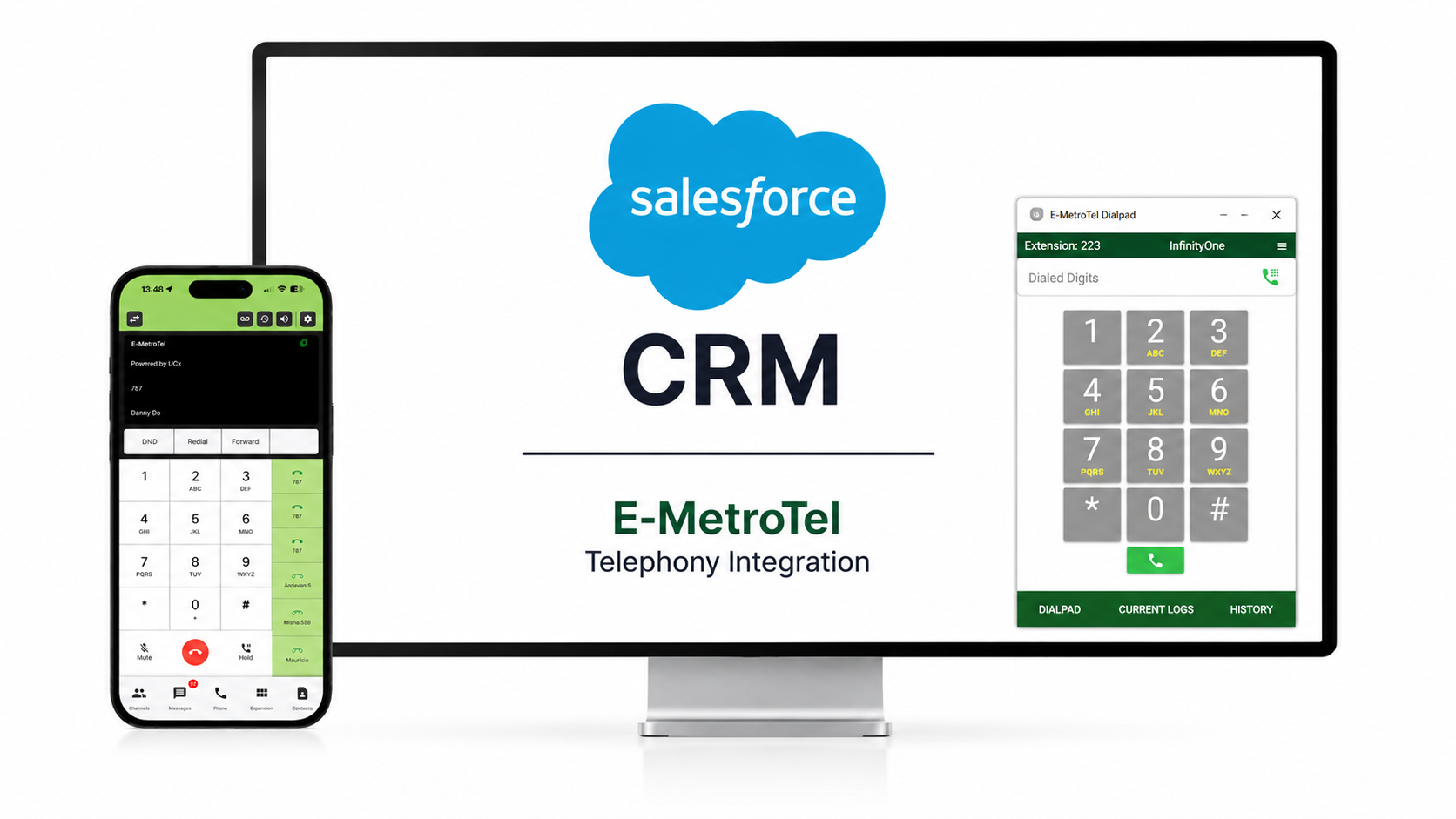
InfinityOne works inside supported Salesforce Lightning apps. Users can make and receive calls, access matching customer records, and manage conversations without leaving Salesforce.

  • Make & Receive Calls
  • Click-to-Dial Records
  • Incoming Screen Pops
  • Hold, Mute & Transfer
  • Automatic Call Logging
  • Docked Salesforce Phone
InfinityOne business calling inside Salesforce
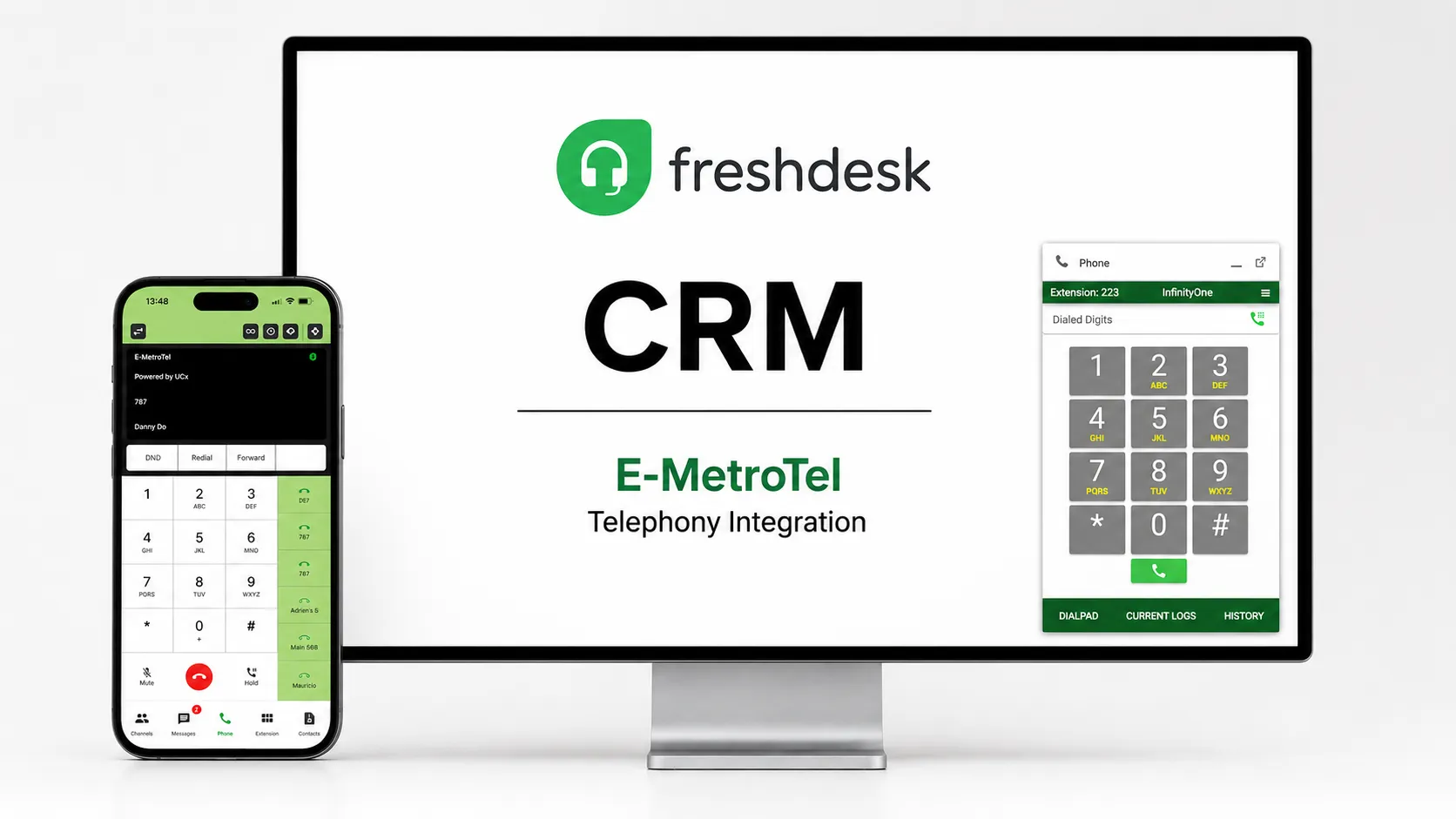
Upcoming E-MetroTel InfinityOne integration inside Freshdesk

Freshdesk CRM Integration

Business Calling Inside Freshdesk

Coming Soon

Freshdesk integration is coming soon. It will help support teams manage customer calls and support requests from one connected workspace.

  • Built for Support Teams
  • Faster Customer Response
  • Calls Linked to Tickets
  • One Support Workspace

AI for CRM Workflows

Turn Every Customer Call Into Useful CRM Context

E-MetroTel AI helps sales and support teams understand customer conversations faster, reduce manual note-taking, and keep CRM records more useful.

AI Call Summaries

Review the main points from customer calls and update CRM records faster without writing every detail manually.

Call Transcripts

Use searchable call transcripts to review customer requests, important details, and follow-up information.

Customer Sentiment

Understand whether a conversation was positive, neutral, or negative so teams can plan the right next action.

Explore AI Features →

Why E-MetroTel

Improve How Your Team Handles Every Customer Call

E-MetroTel telephony integration puts calling inside your CRM. This improves response time, gives users customer information during calls, reduces manual work, and keeps communication connected to the customer record.

  • Faster Customer Response
  • Customer Details During Calls
  • Less Manual Call Work
  • Fewer Missed Follow-Ups
  • Calls Connected to CRM Records
  • One Workspace for Calls and CRM
E-MetroTel telephony integration improving customer call workflows inside a CRM

CRM Integration FAQ

Frequently Asked Questions

What is E-MetroTel CRM telephony integration?
E-MetroTel CRM integration places the InfinityOne business dialpad inside your CRM. Users can make, receive, and manage calls without opening a separate phone application.
Which CRM platforms are supported?
E-MetroTel currently provides dedicated integrations for Salesforce and Zoho CRM. The InfinityOne dialpad can also be added to compatible web-based CRMs, ERP systems, customer portals, and other browser-based business applications.
What can users do from inside the CRM?
Users can sign in, select an extension, make and receive calls, and use call controls such as hold, mute, and transfer. Available CRM features may also include click-to-dial, customer record popups, call history, and call logging.
Does the integration work with any web-based CRM?
The InfinityOne dialpad can be placed inside many browser-based CRM and business platforms that support embedded web content. Compatibility and available features depend on the platform and its configuration.
Is the Freshdesk integration available now?
Freshdesk integration is coming soon. It is being designed to help support teams manage customer calls and service requests from one connected workspace.
What are the business benefits of CRM telephony integration?
Bringing calling into the CRM reduces application switching, improves response time, gives users better customer context, and keeps calls connected to daily sales and support workflows.
How do we add InfinityOne to our CRM?
First, enable CRM integration for your InfinityOne system. Then create the dialpad link and add it to your CRM or web application. Users can sign in with their InfinityOne account and begin calling from the CRM.